 AppVerz
Blog / Category
SweepyMac
19 posts in this category.
4 November 2026 · 4 min read
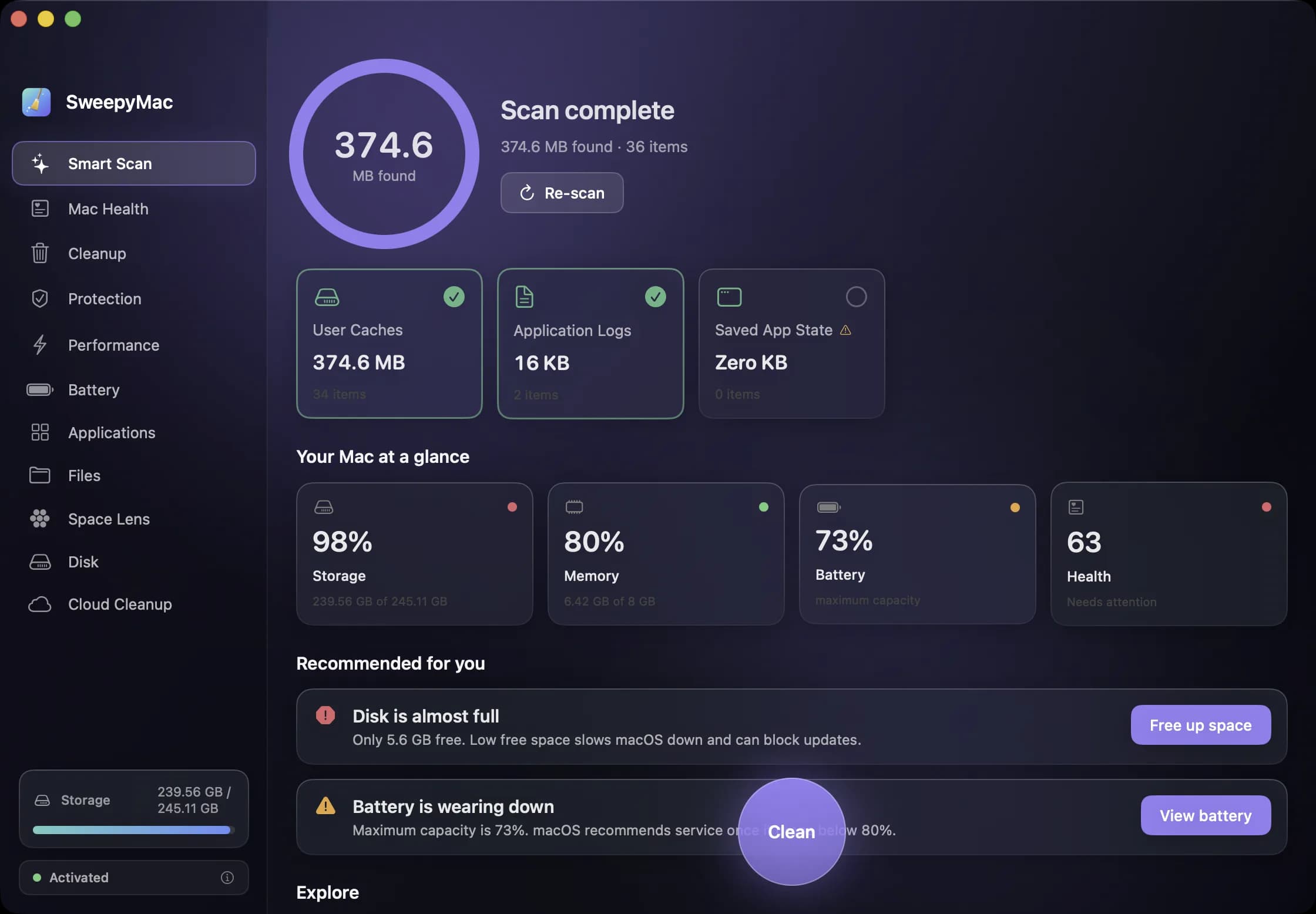
Your first ten minutes with SweepyMac
Install, one permission, a three-day trial and a first scan. What happens at each step, what to say yes to, what you can safely skip, and how to read the screen that comes back before you press Clean.
- SweepyMac
- Mac maintenance
4 November 2026 · 4 min read
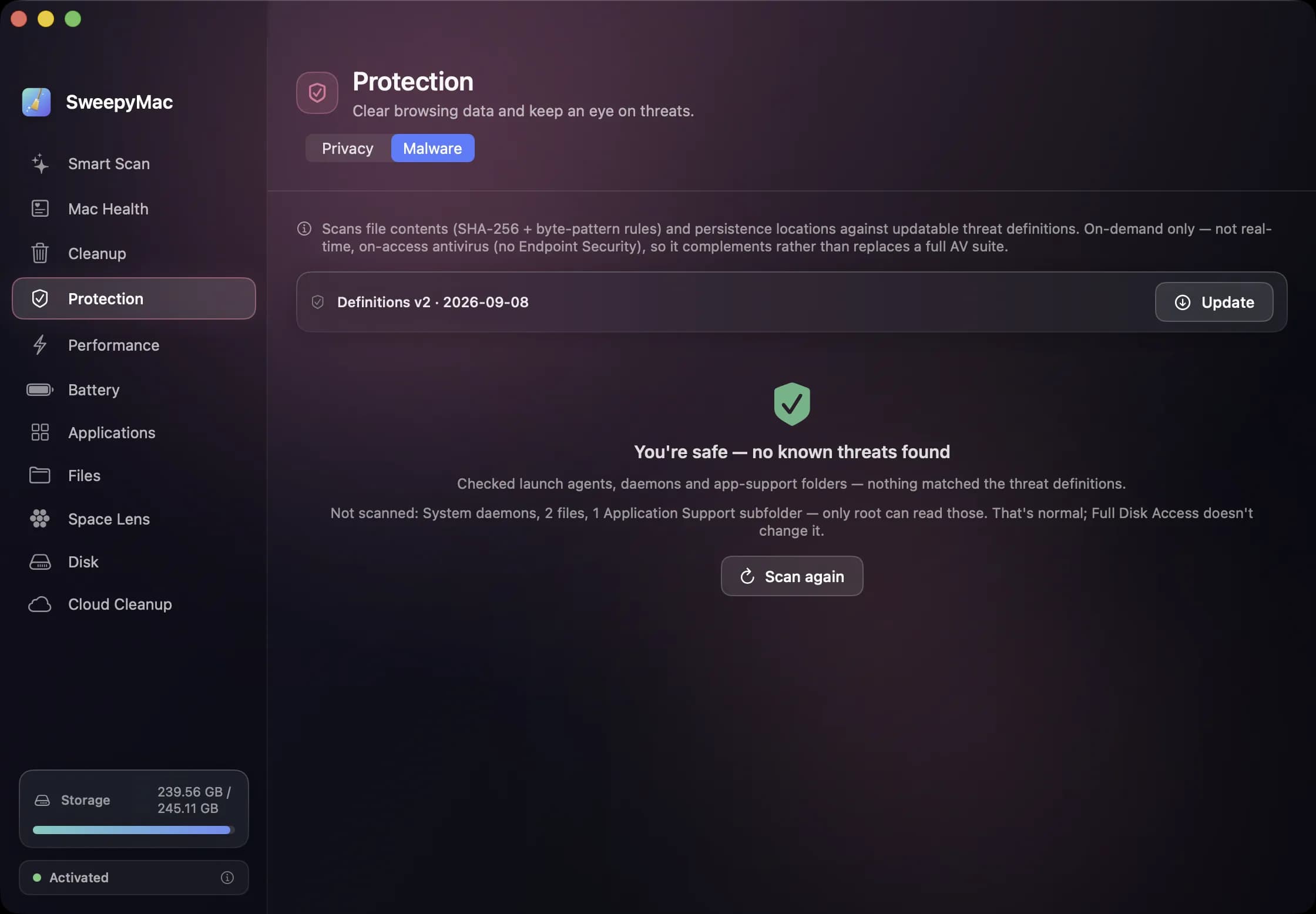
The orange triangle: what SweepyMac does when it cannot see something
Every scanner meets folders it cannot read. The dishonest ones leave them out and show you a clean total. SweepyMac marks incomplete lists, lists the locations it could not scan, skips health checks it cannot measure, and labels space a deletion would not actually free.
- SweepyMac
- Behind the apps
- macOS
4 November 2026 · 4 min read
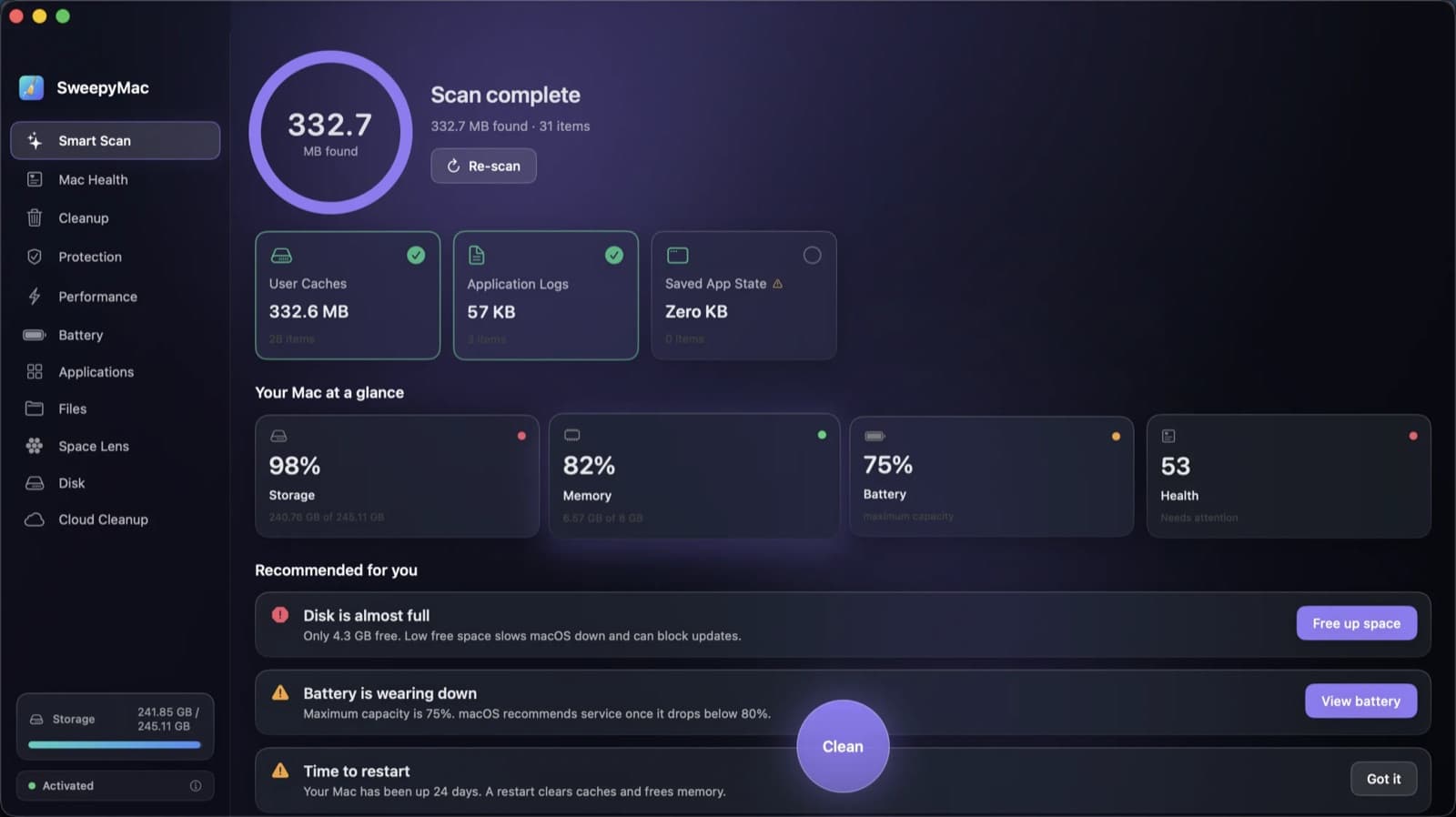
Annual, monthly or once: choosing a SweepyMac plan, and moving a licence between Macs
Three ways to pay, for one, two or five Macs, after a three-day trial with no account. What each plan costs, where the break-even points are, how a key activates and moves to a new Mac, and what the licence check sends.
- SweepyMac
- Behind the apps
4 November 2026 · 4 min read
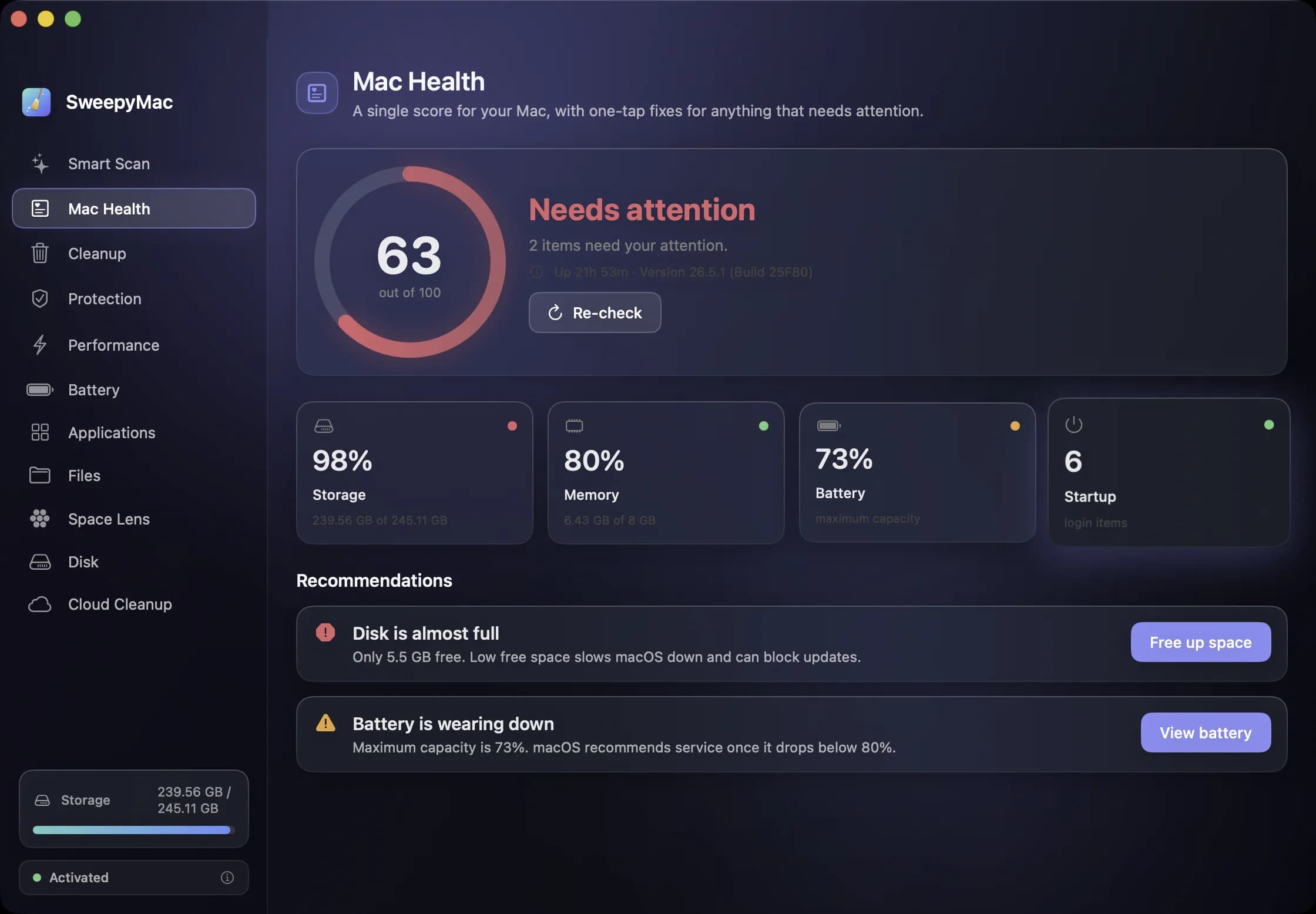
A monthly Mac routine in fifteen minutes, from the keyboard
Eleven modules is a lot to remember. This is the order we use them in once a month, with the shortcut for each: scan, check health, look for threats, find the big files, hand space back to iCloud, and only then empty the Trash.
- SweepyMac
- Mac maintenance
1 November 2026 · 4 min read
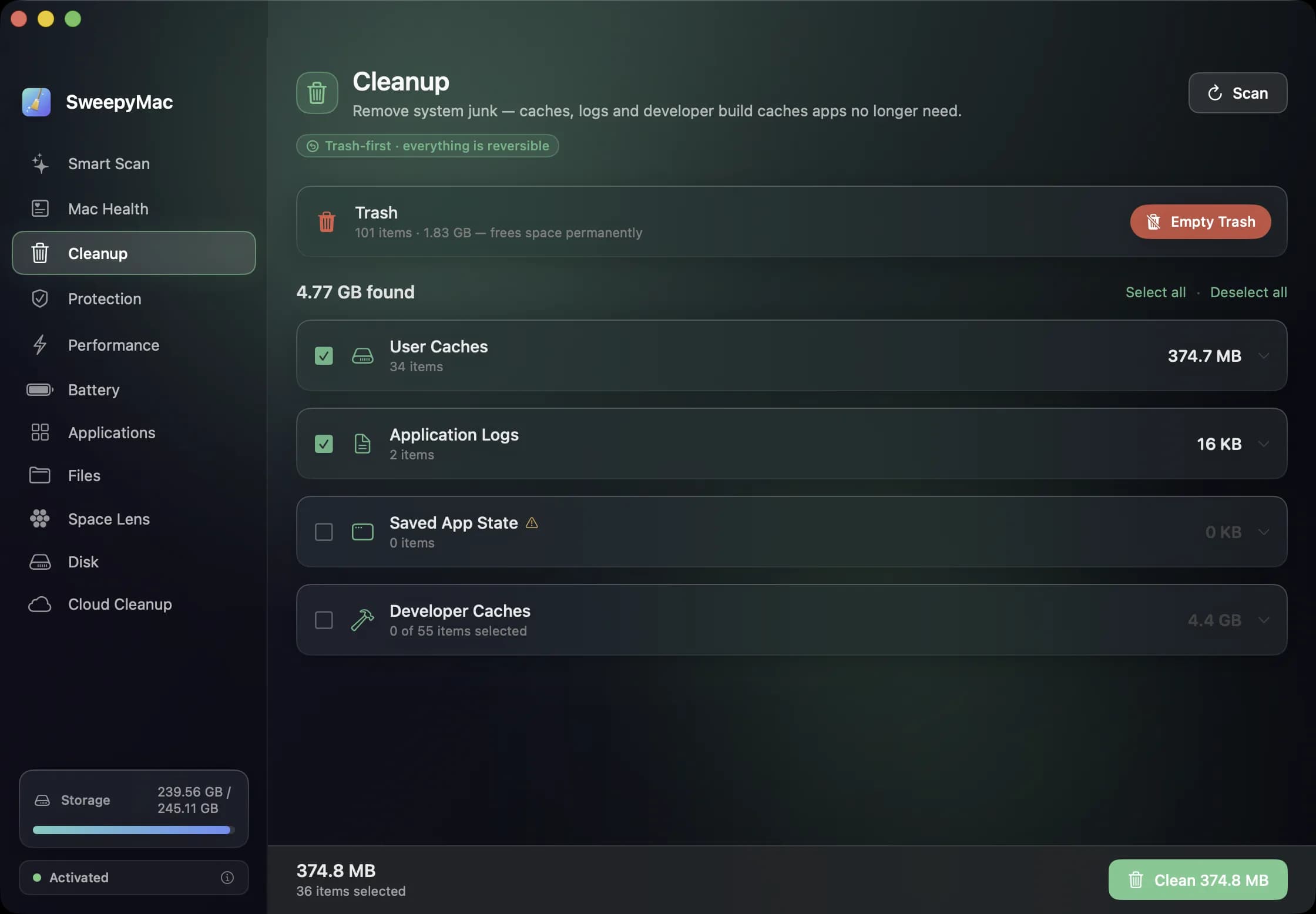
What a Mac cleaner should never do
Most cleaning apps ask you to trust them. SweepyMac is built so you do not have to: everything it removes goes to the Trash, every clean has an Undo, and every group opens up before you press anything.
- SweepyMac
- Mac maintenance
- Behind the apps
29 October 2026 · 4 min read
Smart Scan or Cleanup? What one click cleans, and what it deliberately leaves alone
SweepyMac has a one-click scan and a full Cleanup module, and they are not the same thing. Here is exactly what each one touches, which categories start unticked and why, and the folders neither will ever offer you.
- SweepyMac
- Mac maintenance
28 October 2026 · 3 min read
Full Disk Access: what you are actually granting, and why SweepyMac asks once
The macOS prompt everyone clicks through. What Full Disk Access unlocks, what it does not, how to check which apps have it, and why a scanner is one of the few tools that has a real case for it.
- macOS
- SweepyMac
- Privacy
26 October 2026 · 4 min read
The Mac Health score, explained: every number, every threshold
SweepyMac sums up your Mac as one score out of 100. This is what goes into it, exactly when each recommendation fires, and why a check that cannot read its data is skipped rather than marked fine.
- SweepyMac
- Mac maintenance
- macOS
24 October 2026 · 3 min read
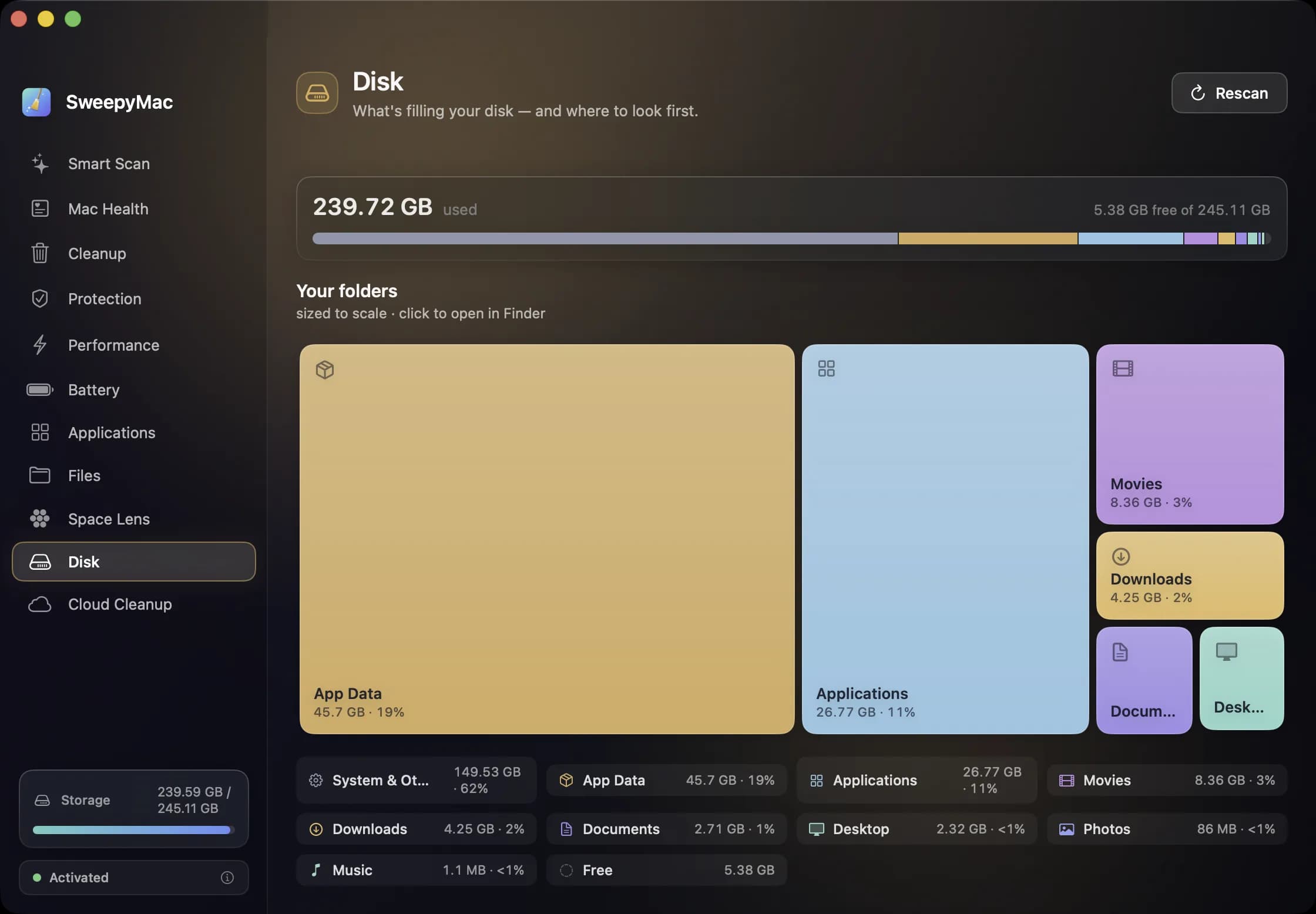
Getting disk space back from iCloud Drive without deleting a single file
Files you downloaded from iCloud Drive keep a local copy on your Mac. Evicting that copy frees the space, keeps the file in iCloud, and leaves it one click from coming back. Here is how it works and when it is worth doing.
- SweepyMac
- Mac maintenance
- macOS
22 October 2026 · 3 min read
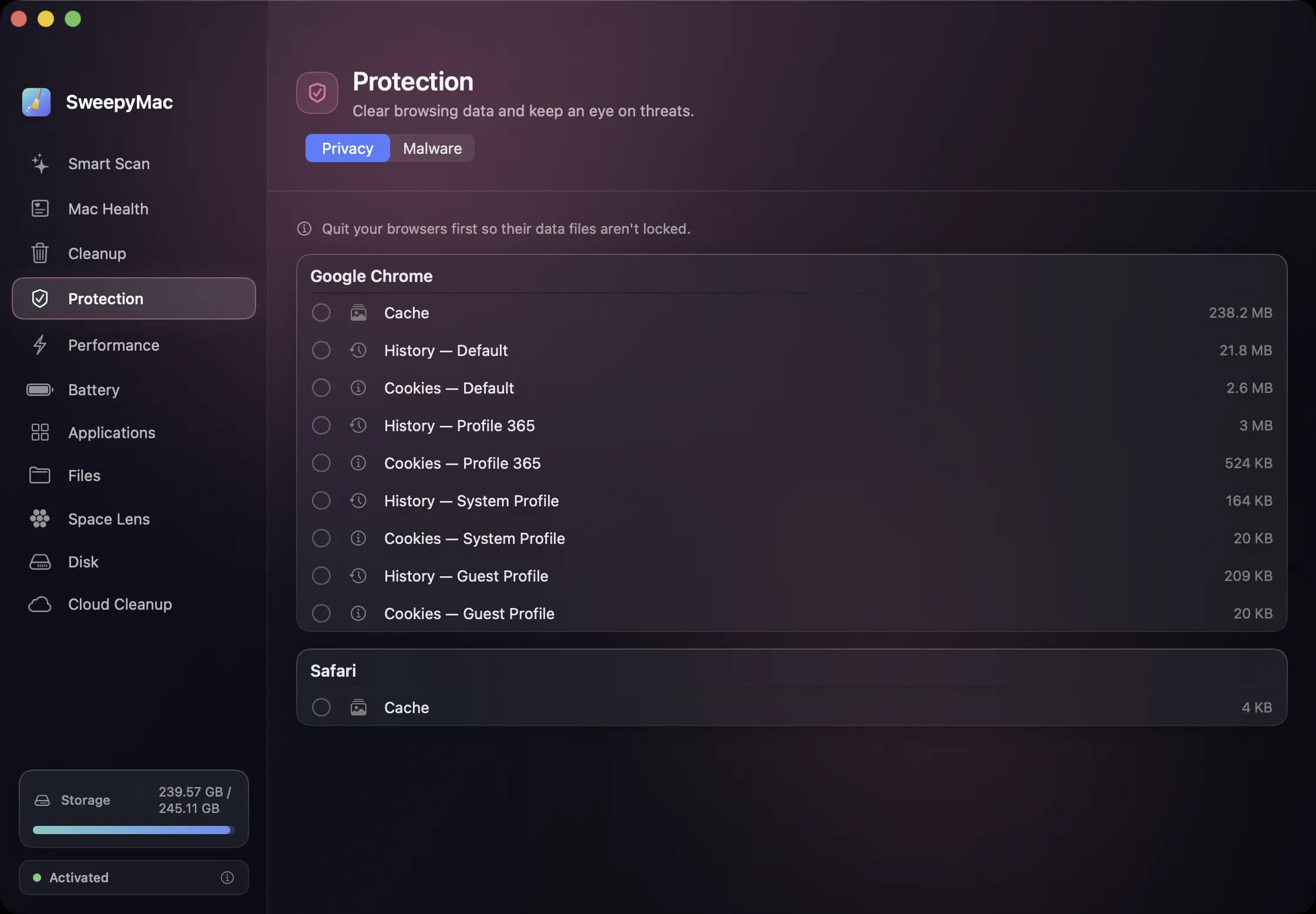
Clearing browser data on a Mac: what a cleaner can touch, and why Safari is different
Cache, history and cookies for every profile of every browser, listed one row at a time and nothing pre-selected. How SweepyMac's privacy cleaner works, why Safari only offers its cache, and why you must quit the browser first.
- SweepyMac
- Privacy
- macOS
18 October 2026 · 4 min read
What SweepyMac's malware scanner actually checks, and what it is not
Launch agents by name, file contents by hash and byte pattern, code signatures, cron jobs and browser extensions. What each signal means, why a finding is labelled by how it was found, and why an on-demand scanner is a complement to macOS, not a replacement for it.
- SweepyMac
- Privacy
- Behind the apps
13 October 2026 · 3 min read
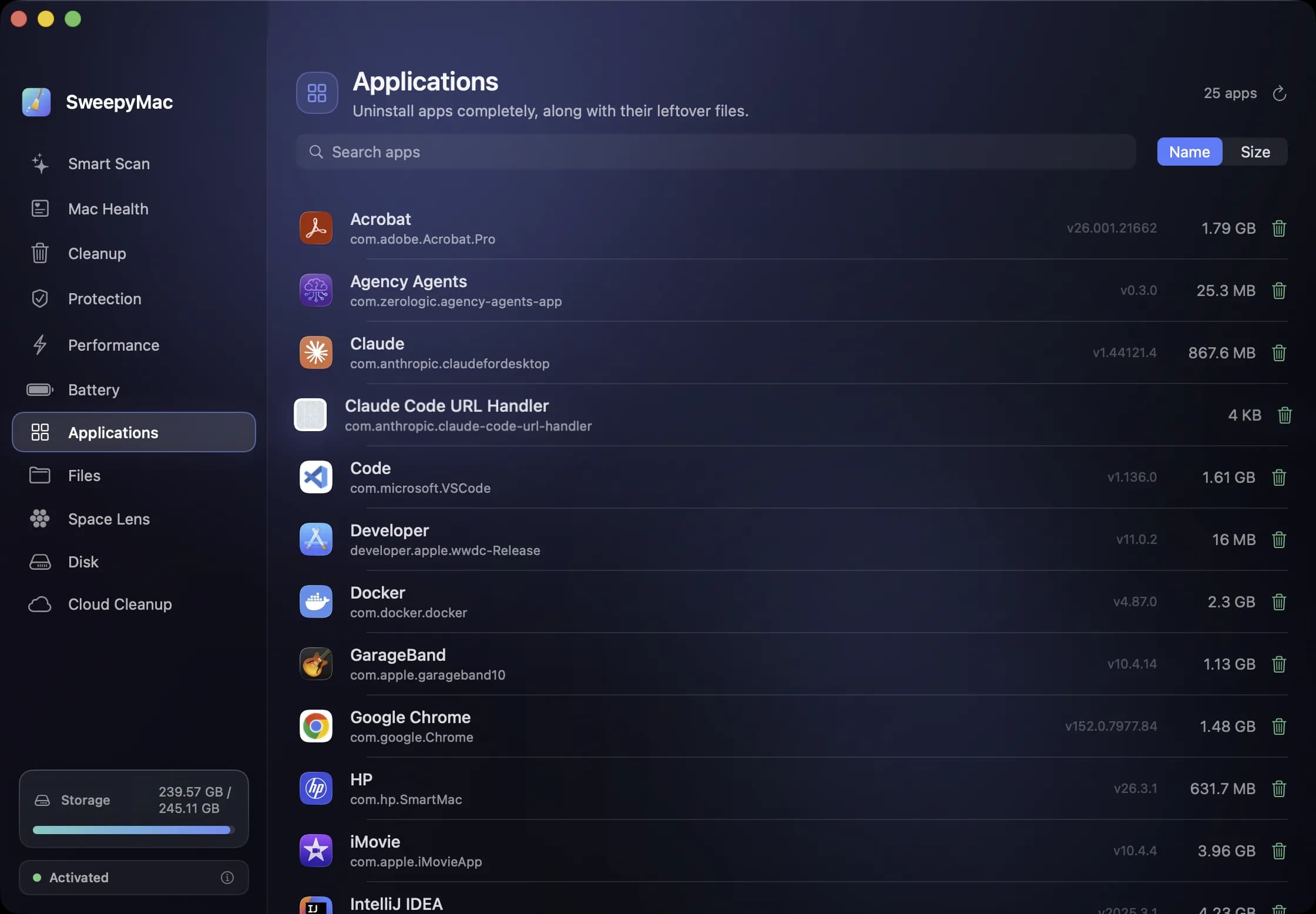
Uninstalling a Mac app completely: the eleven places it leaves things behind
Dragging an app to the Trash removes the app and nothing else. Its preferences, caches, containers and launch agents stay. Here is where they live, how SweepyMac finds them, and why some apps need a password to remove.
- SweepyMac
- Mac maintenance
- macOS