 AppVerz
Blog / Category
macOS
11 posts in this category.
4 November 2026 · 4 min read
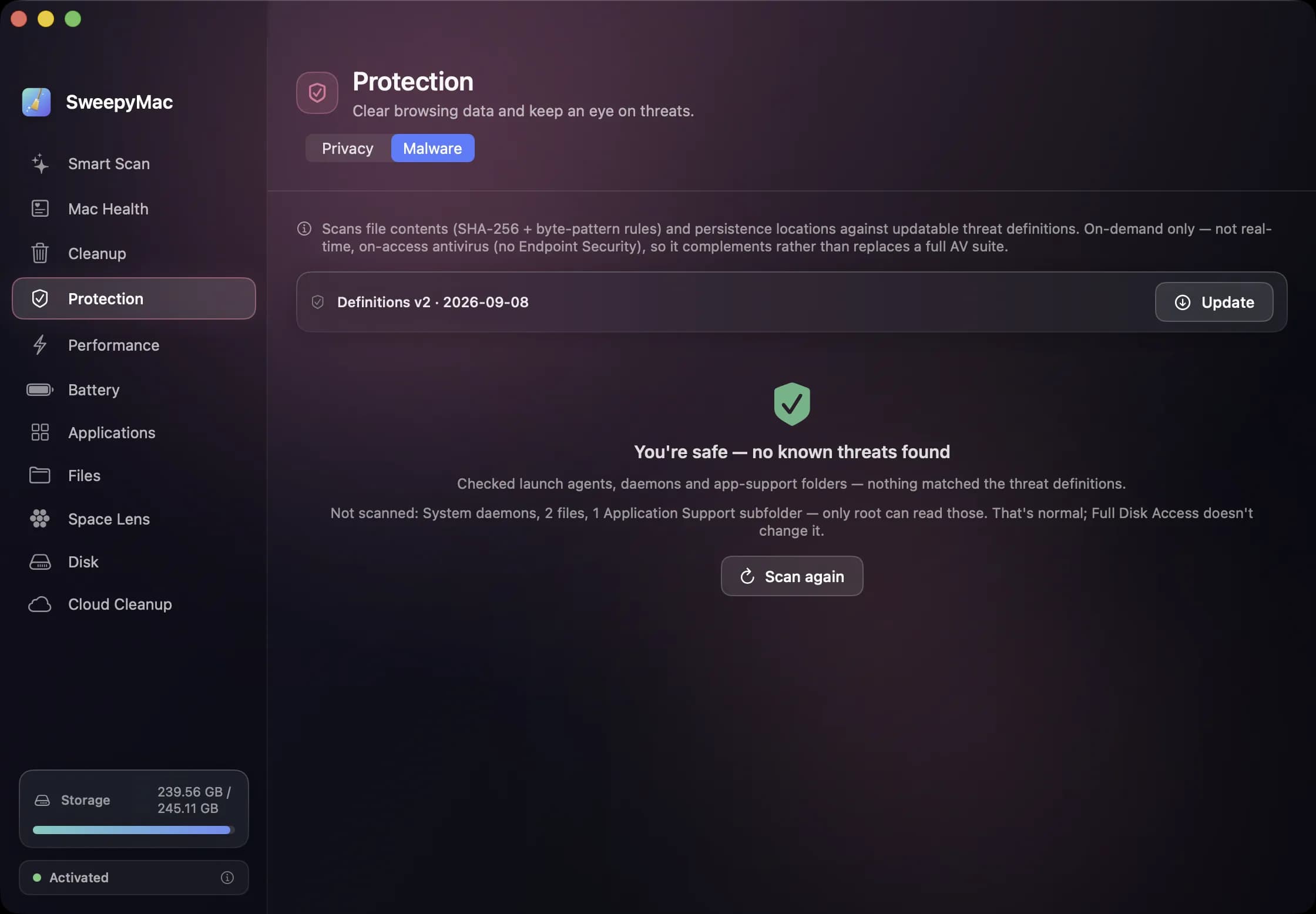
The orange triangle: what SweepyMac does when it cannot see something
Every scanner meets folders it cannot read. The dishonest ones leave them out and show you a clean total. SweepyMac marks incomplete lists, lists the locations it could not scan, skips health checks it cannot measure, and labels space a deletion would not actually free.
- SweepyMac
- Behind the apps
- macOS
4 November 2026 · 4 min read
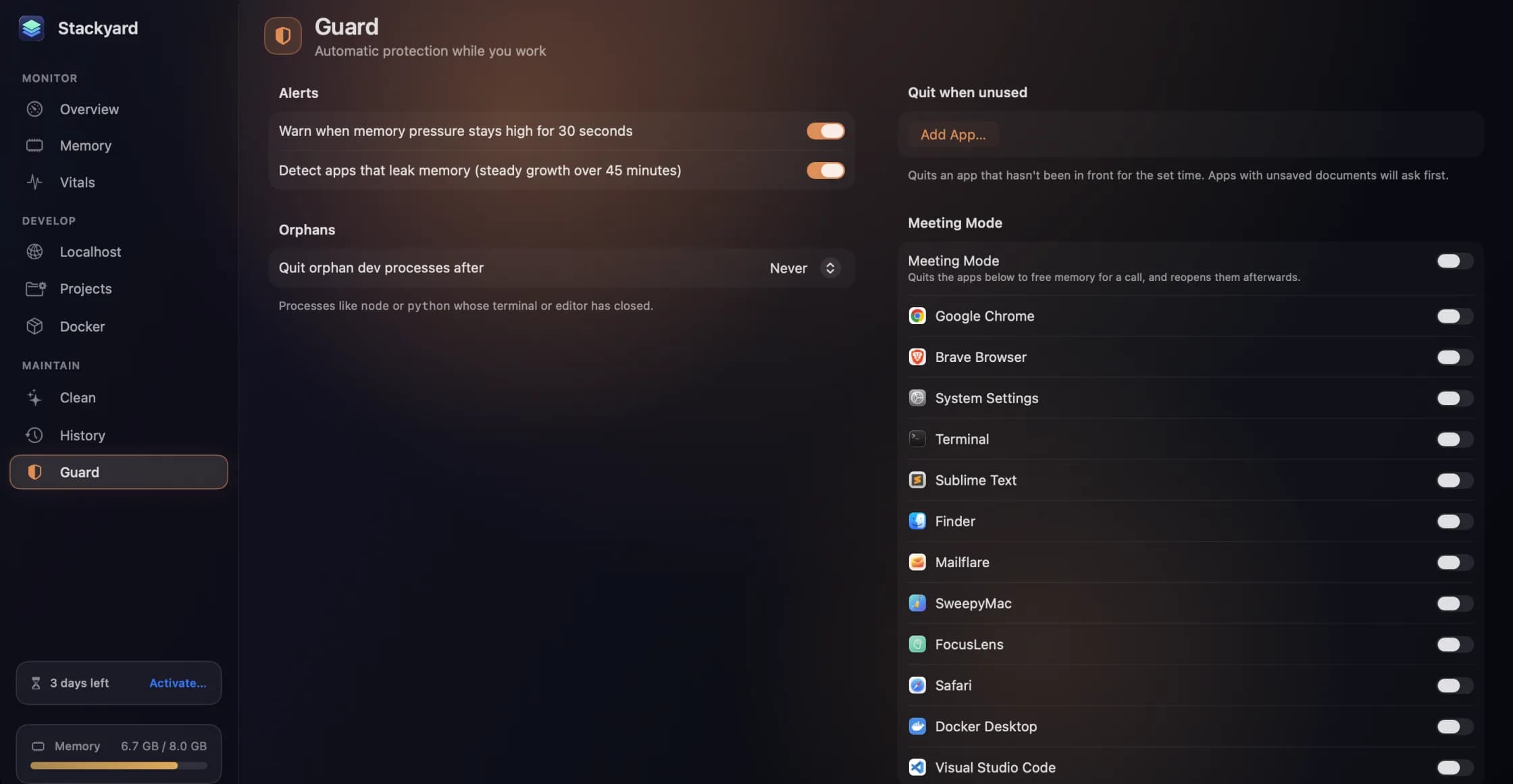
Guard, History and Meeting Mode: the parts of Stackyard that work while you don't
A notification when memory pressure stays high, leak detection that ignores a single spike, orphans quit on a timer, apps quit when unused, and a Meeting Mode that frees memory for a call and puts everything back after. Plus a 24-hour memory history, widgets and stackyard:// links.
- Stackyard
- Developer tools
- macOS
4 November 2026 · 5 min read
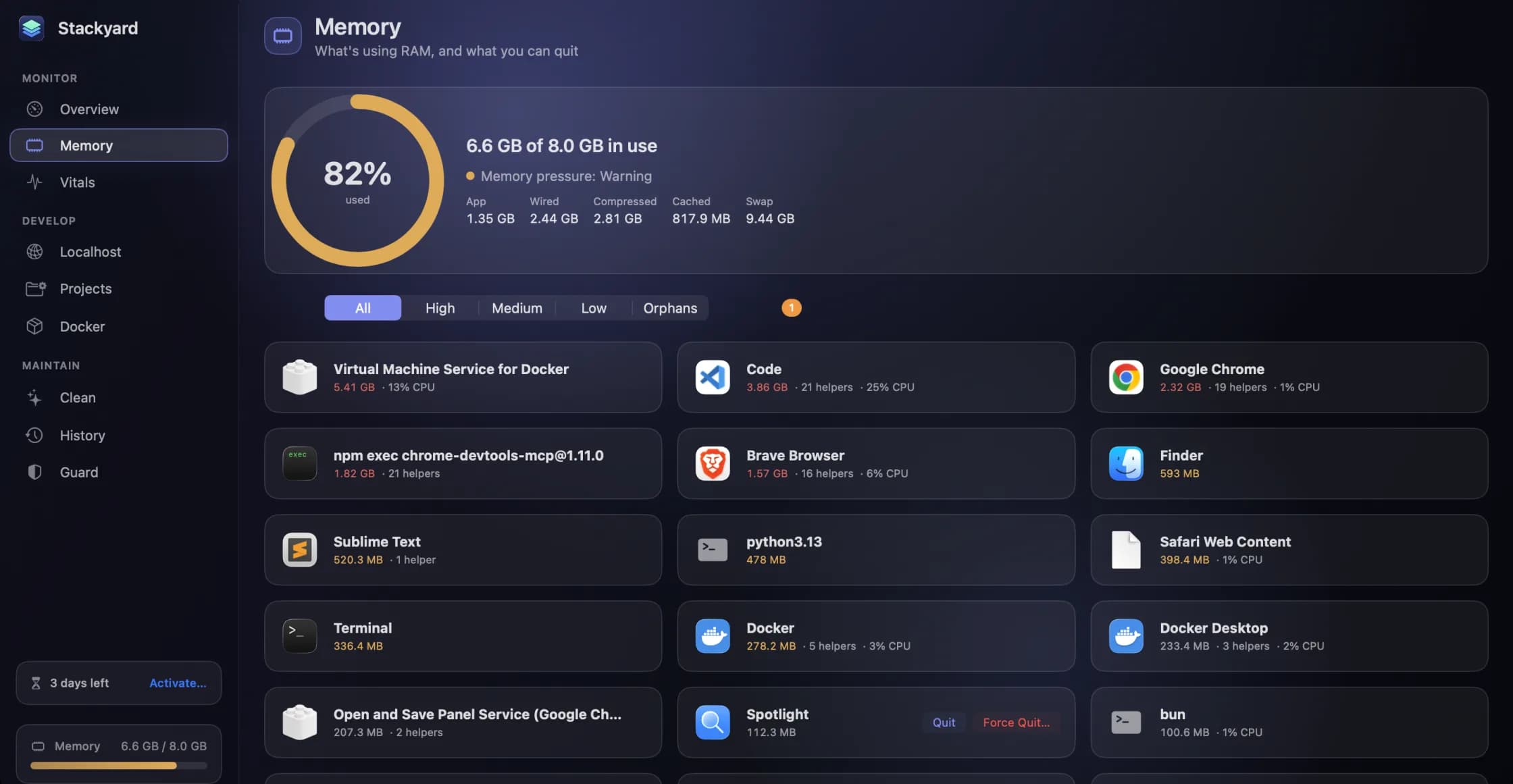
The node process your terminal left behind: memory and orphans in Stackyard
Close a terminal tab and the dev server inside it can keep running for days. How Stackyard groups memory the way you think about apps, finds the node and python processes nobody is watching, and tells you which tool left each one.
- Stackyard
- Developer tools
- macOS
28 October 2026 · 3 min read
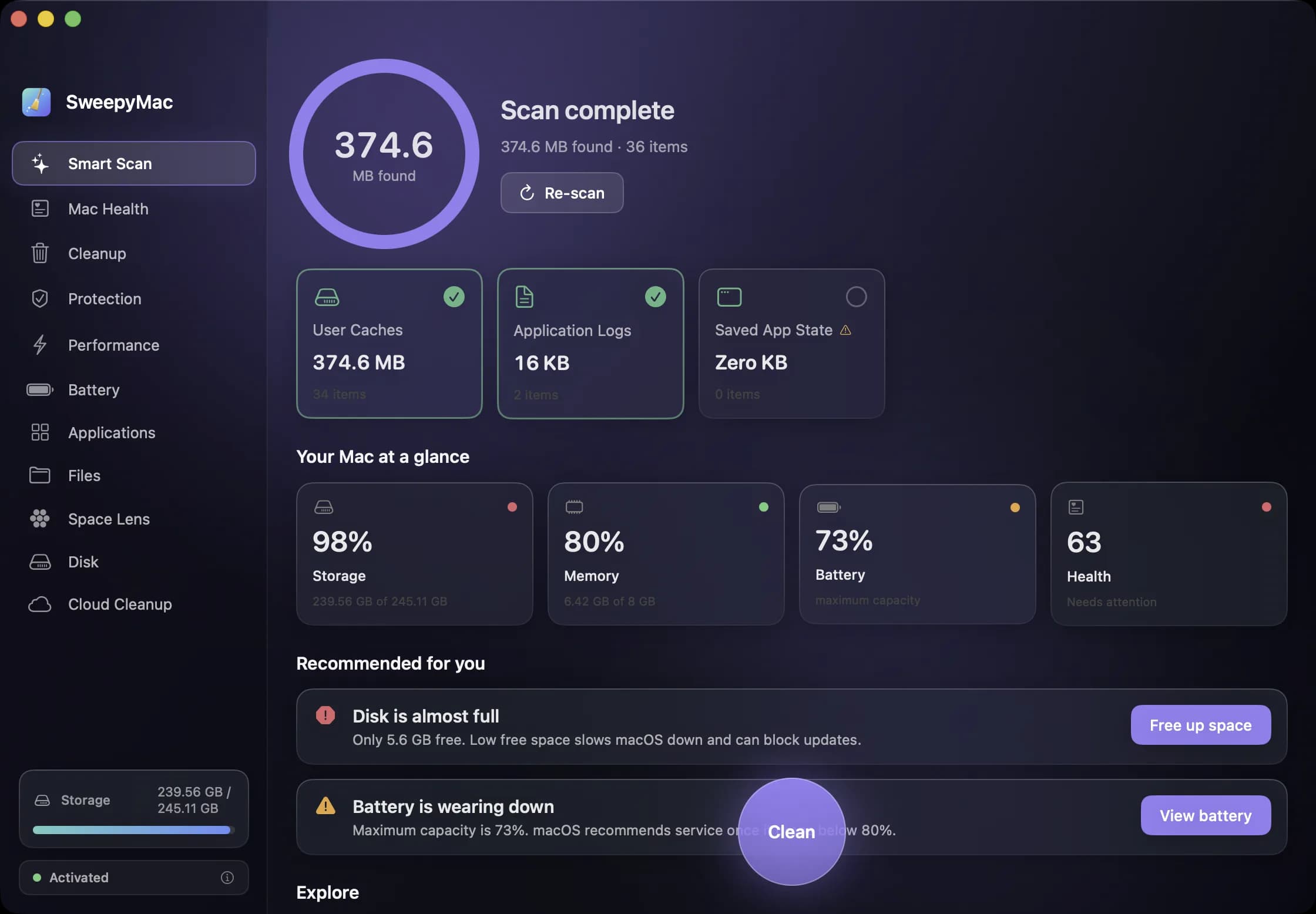
Full Disk Access: what you are actually granting, and why SweepyMac asks once
The macOS prompt everyone clicks through. What Full Disk Access unlocks, what it does not, how to check which apps have it, and why a scanner is one of the few tools that has a real case for it.
- macOS
- SweepyMac
- Privacy
26 October 2026 · 4 min read
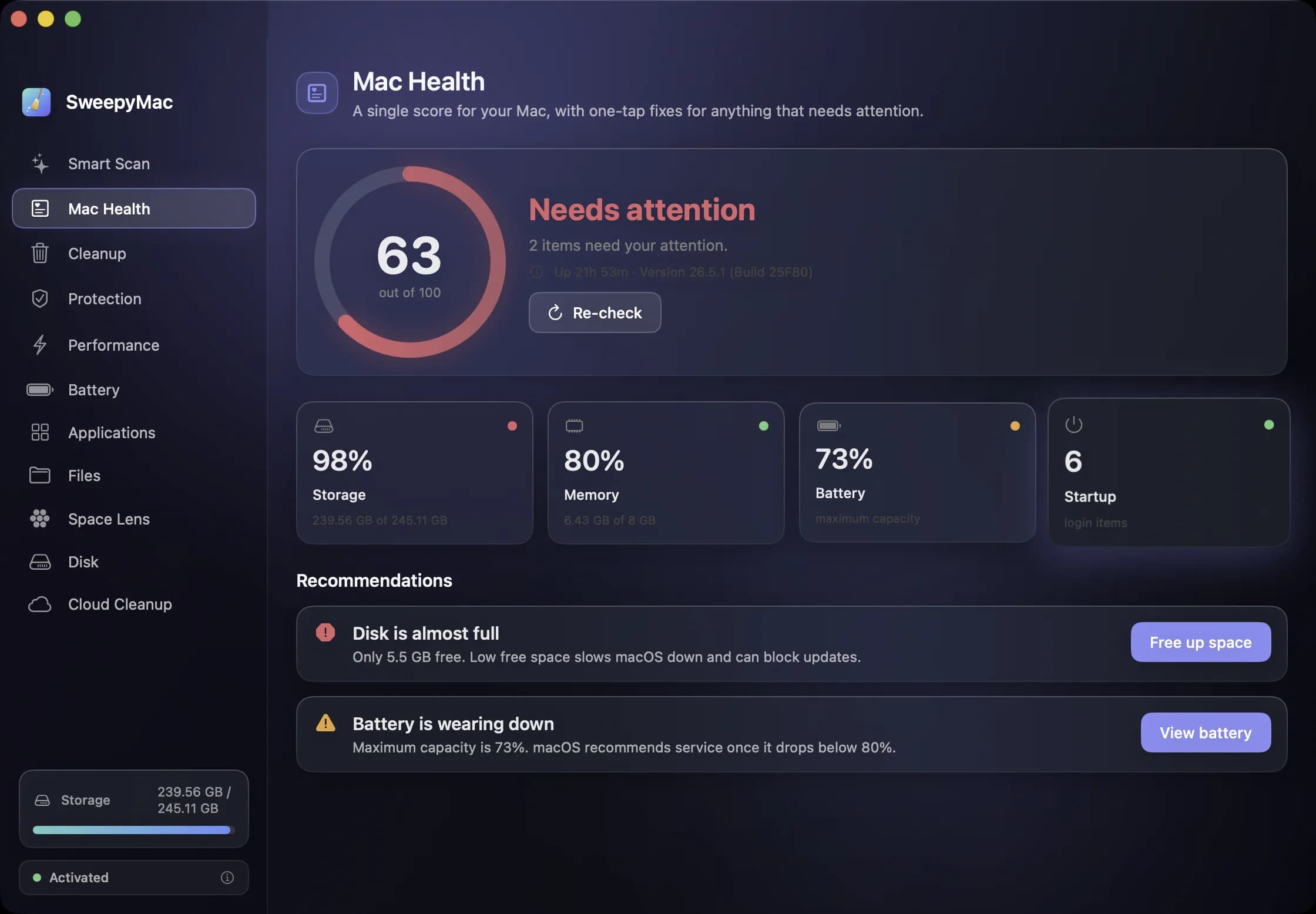
The Mac Health score, explained: every number, every threshold
SweepyMac sums up your Mac as one score out of 100. This is what goes into it, exactly when each recommendation fires, and why a check that cannot read its data is skipped rather than marked fine.
- SweepyMac
- Mac maintenance
- macOS
24 October 2026 · 3 min read
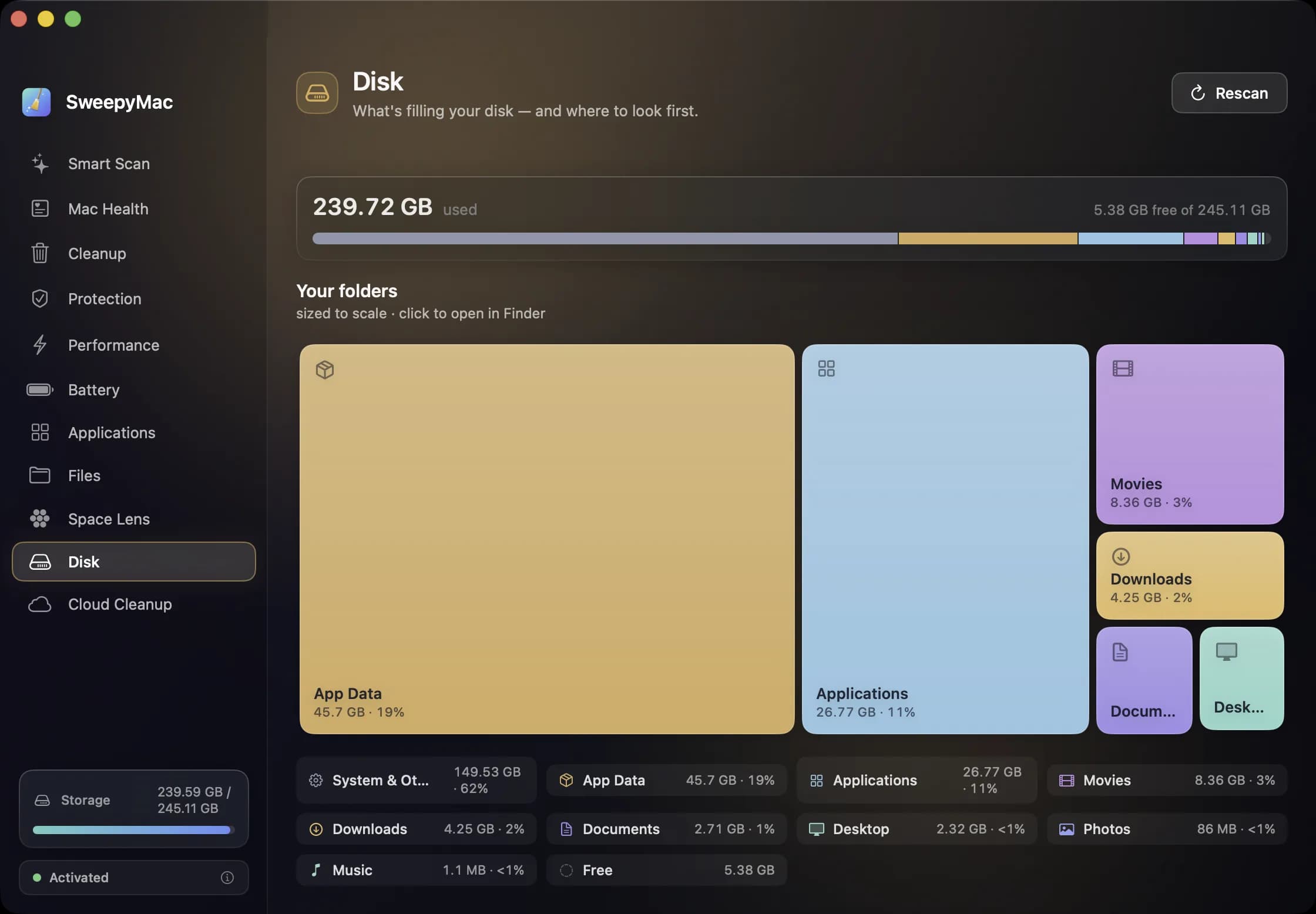
Getting disk space back from iCloud Drive without deleting a single file
Files you downloaded from iCloud Drive keep a local copy on your Mac. Evicting that copy frees the space, keeps the file in iCloud, and leaves it one click from coming back. Here is how it works and when it is worth doing.
- SweepyMac
- Mac maintenance
- macOS
22 October 2026 · 3 min read
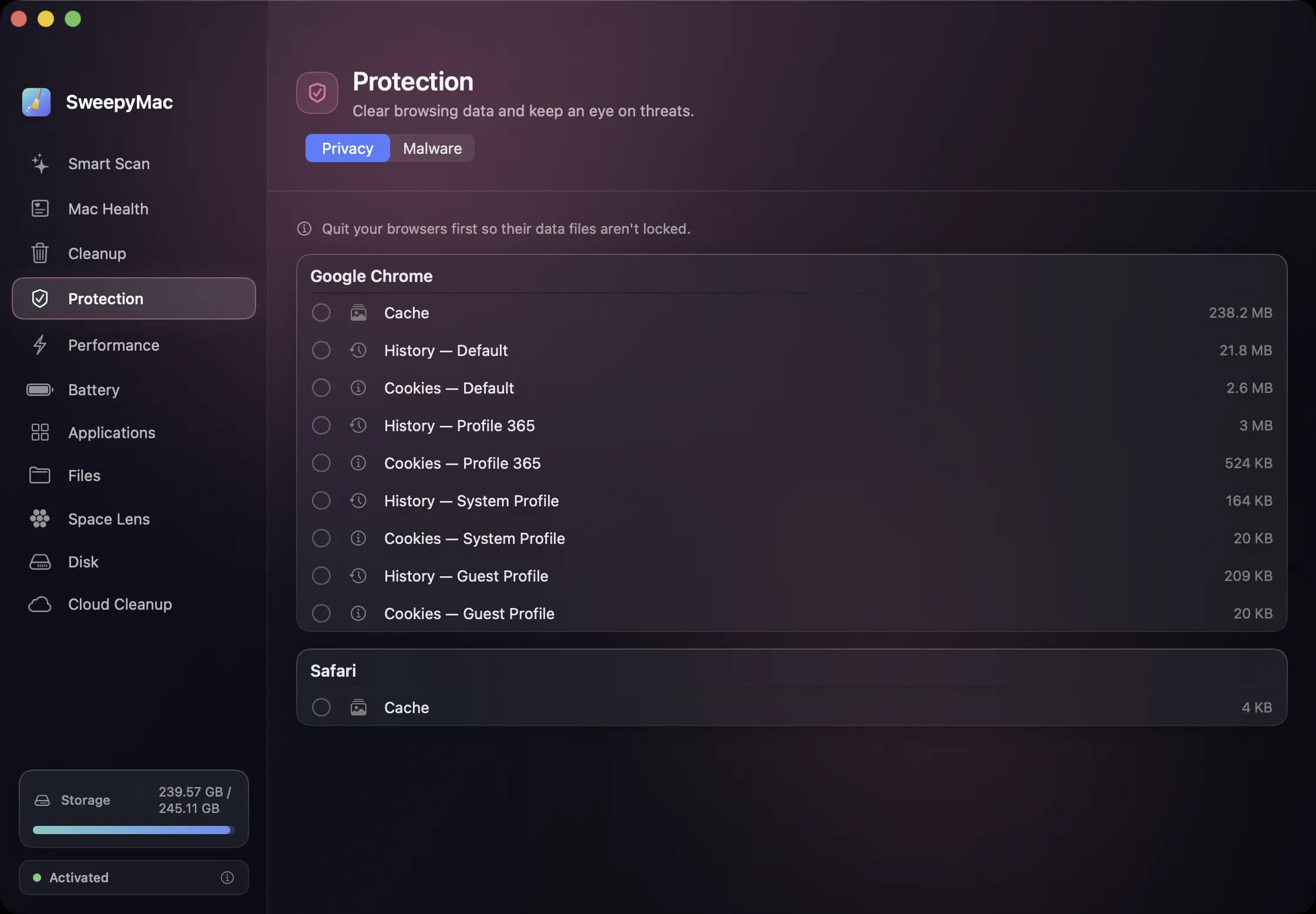
Clearing browser data on a Mac: what a cleaner can touch, and why Safari is different
Cache, history and cookies for every profile of every browser, listed one row at a time and nothing pre-selected. How SweepyMac's privacy cleaner works, why Safari only offers its cache, and why you must quit the browser first.
- SweepyMac
- Privacy
- macOS
20 October 2026 · 4 min read
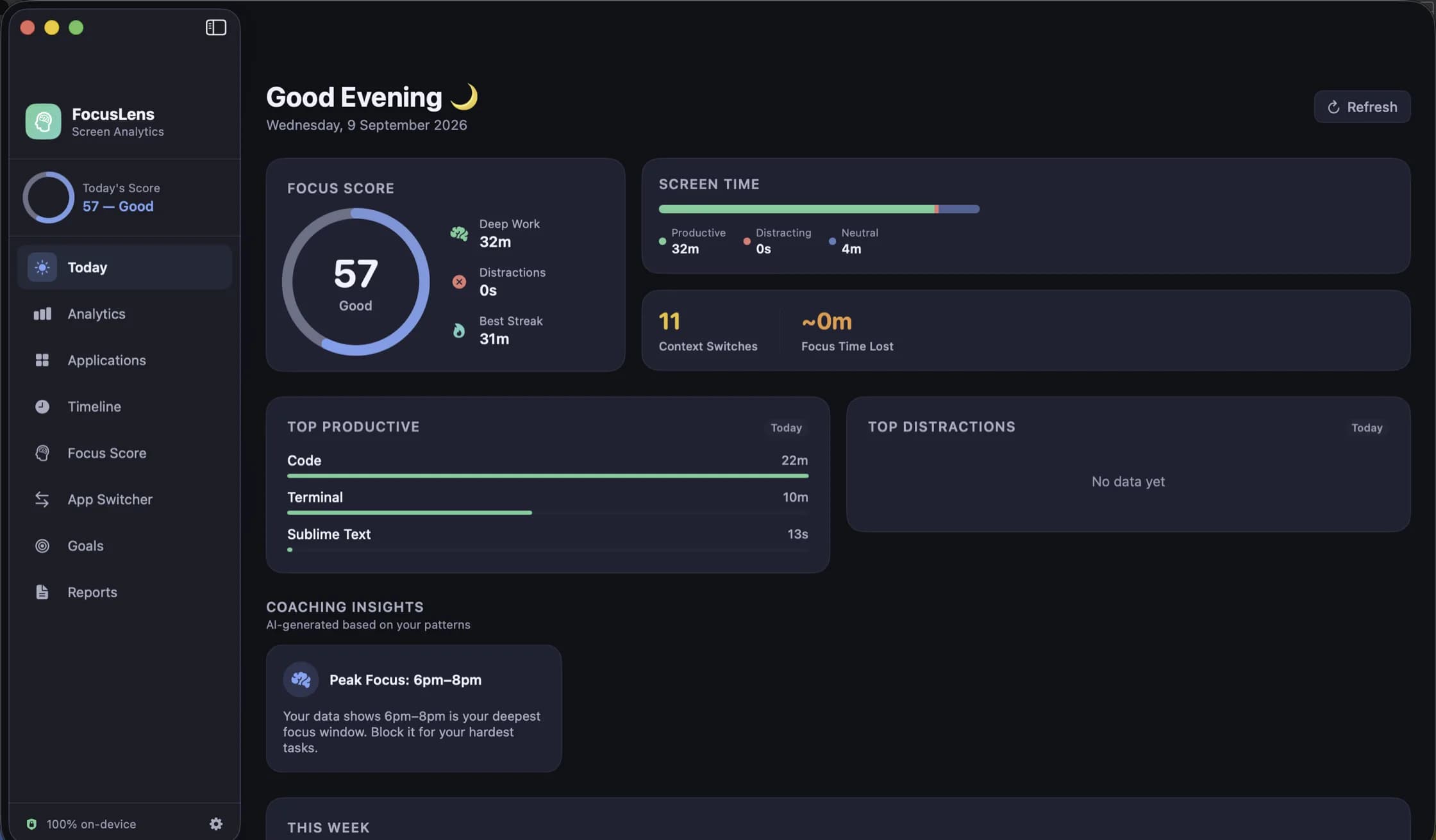
How FocusLens tracks your day without asking for a single permission
No Screen Time API, no Accessibility access, no browser extension. FocusLens listens for the same app-activation notifications the Dock does, and that turns out to be enough to build a complete picture of where your attention went.
- FocusLens
- Privacy
- macOS
13 October 2026 · 3 min read
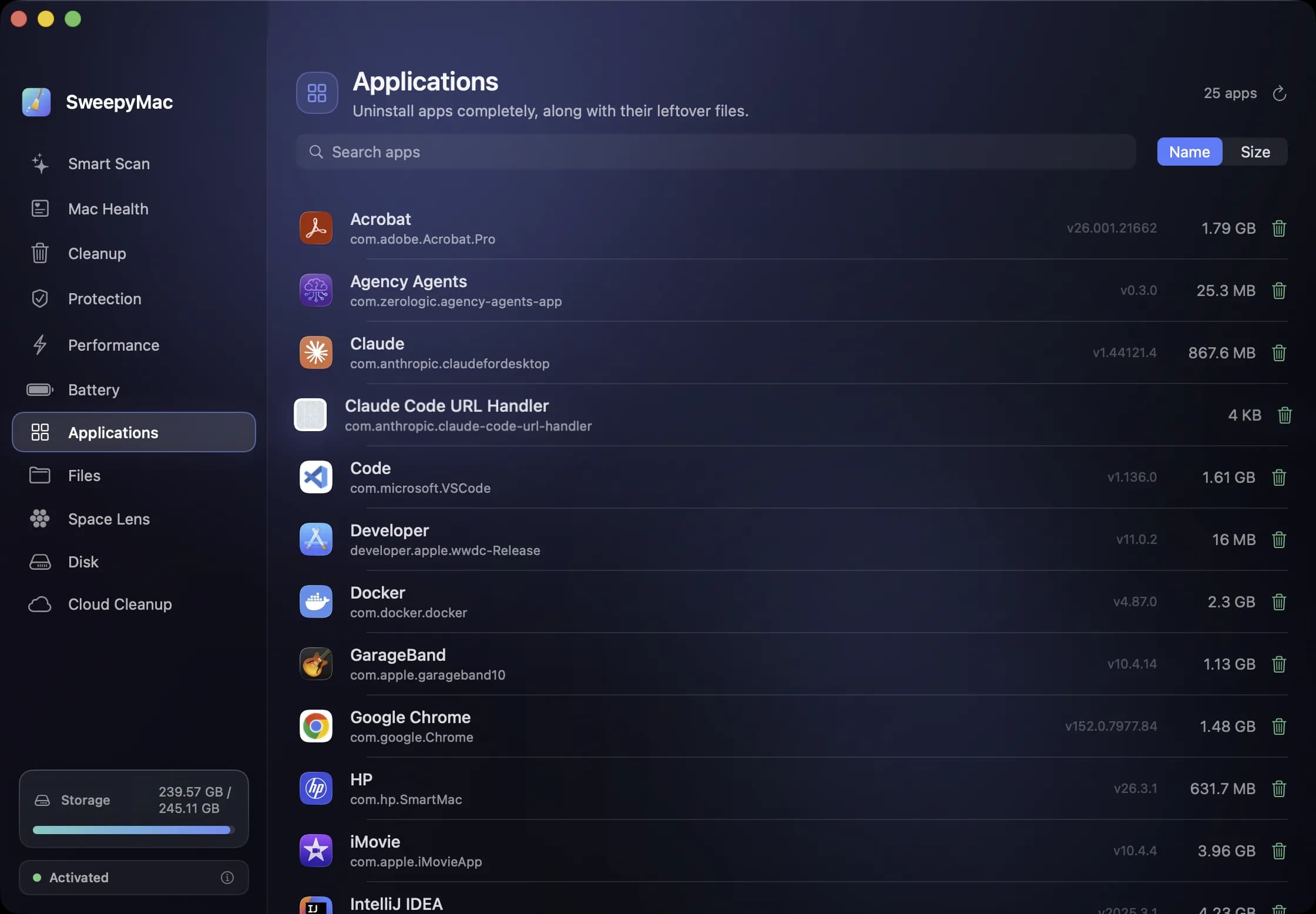
Uninstalling a Mac app completely: the eleven places it leaves things behind
Dragging an app to the Trash removes the app and nothing else. Its preferences, caches, containers and launch agents stay. Here is where they live, how SweepyMac finds them, and why some apps need a password to remove.
- SweepyMac
- Mac maintenance
- macOS
8 October 2026 · 3 min read
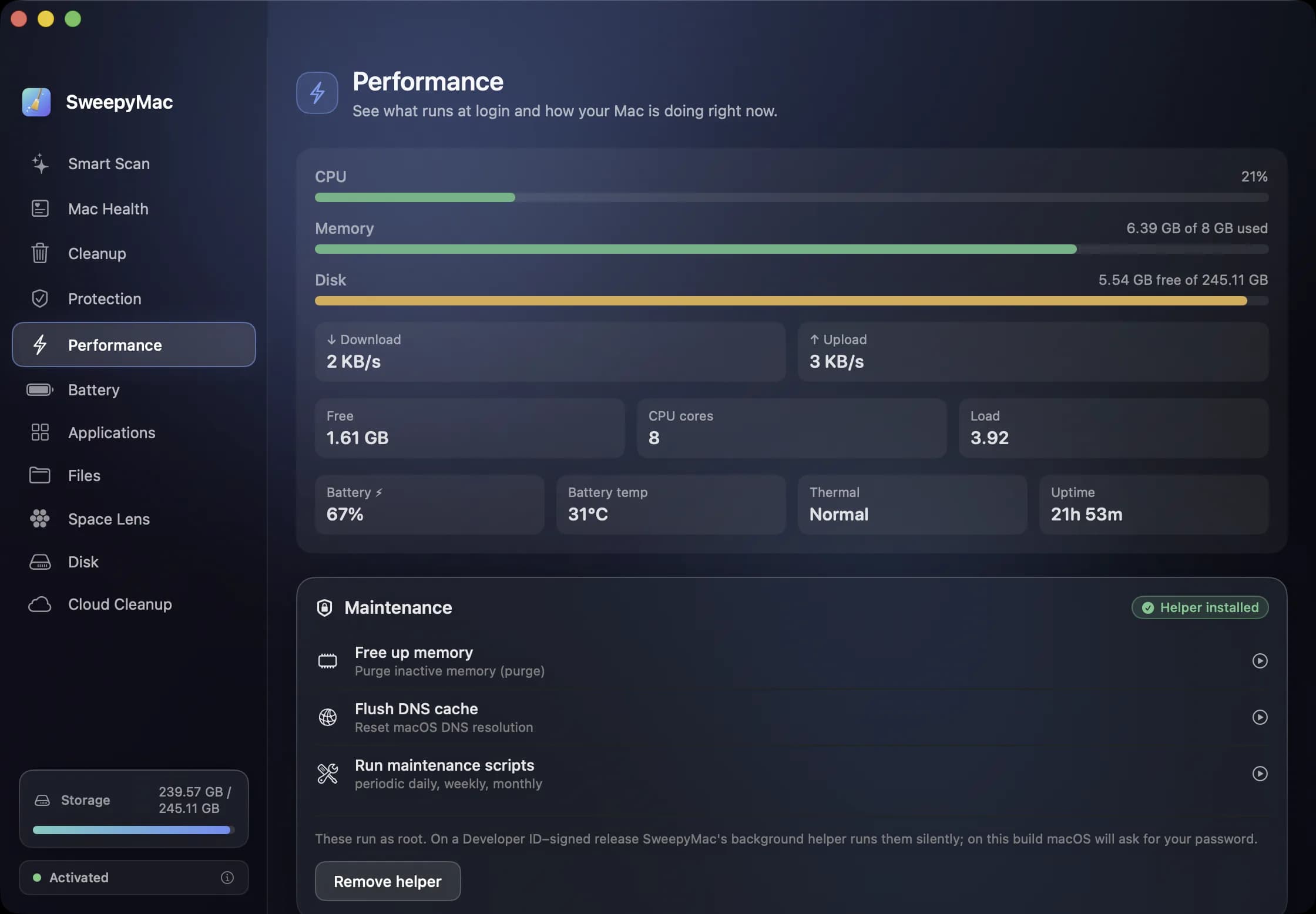
What starts when you log in, and the three chores you used to need Terminal for
SweepyMac's Performance module lists your login items with a Disable button, shows the system agents macOS manages, and runs three maintenance tasks with one click. How the background helper makes that silent, and why it needs a signed build.
- SweepyMac
- macOS
- Mac maintenance
23 September 2026 · 3 min read
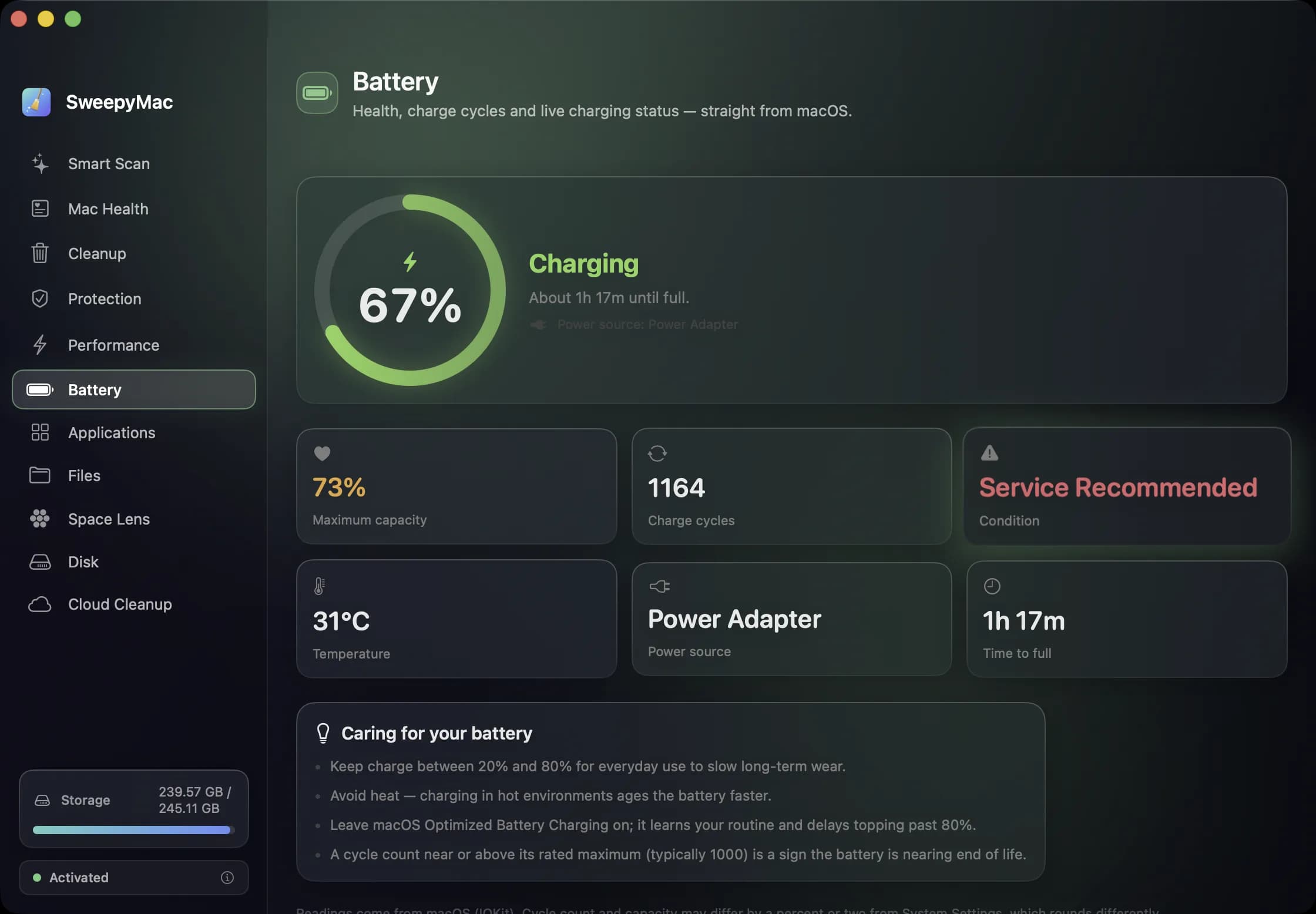
Reading your Mac's battery health: capacity, cycles and the verdict macOS gives
SweepyMac's Battery screen shows what macOS knows about your battery and changes none of it. What maximum capacity and cycle count mean, when Service Recommended appears, and why the numbers can differ slightly from System Settings.
- SweepyMac
- macOS