 AppVerz
Blog
Notes from the workshop
How the Mac works under the hood, what the apps do and why they do it that way, and how the studio ships software. Written by the people who build them.
4 November 2026 · 4 min read
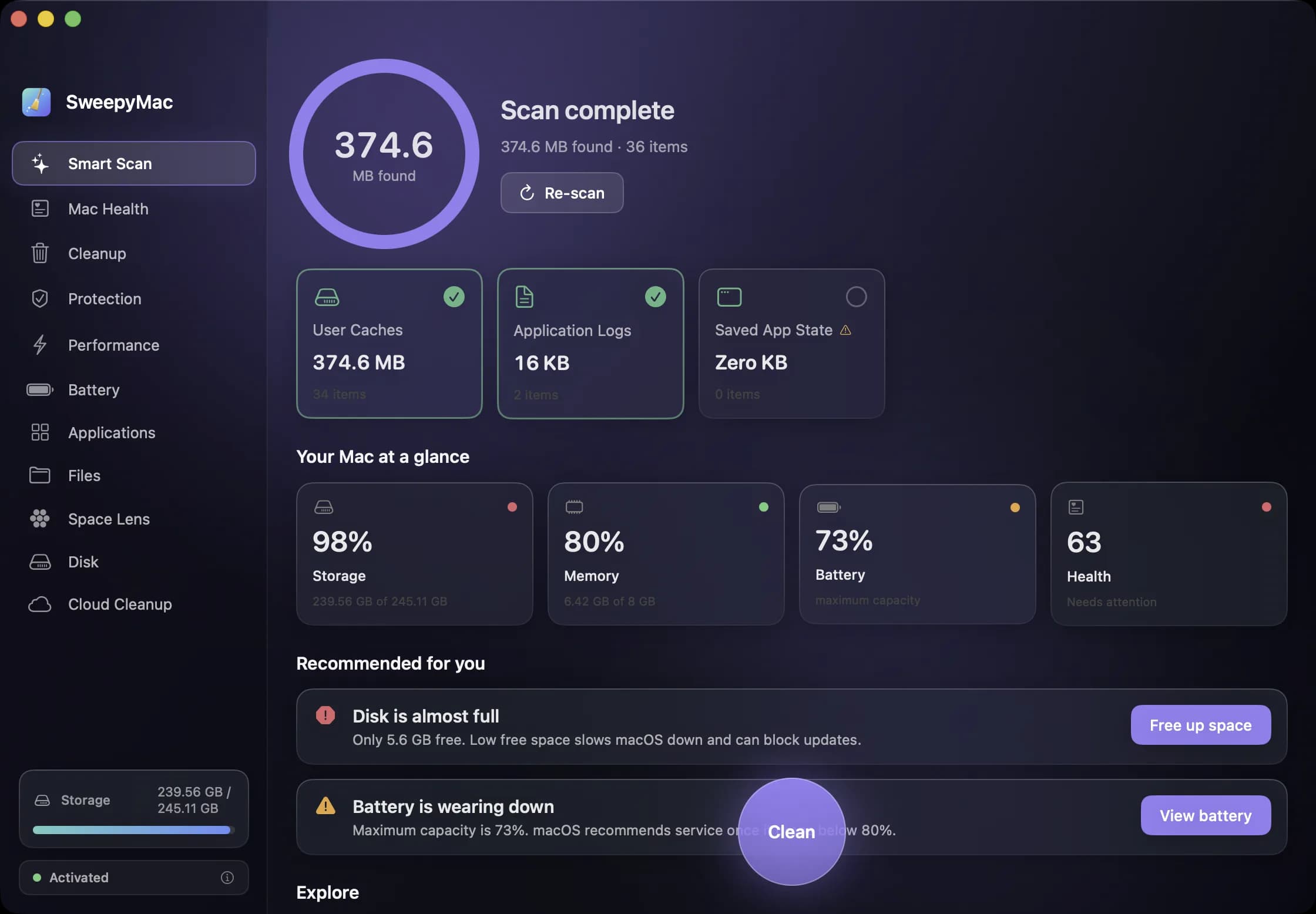
Your first ten minutes with SweepyMac
Install, one permission, a three-day trial and a first scan. What happens at each step, what to say yes to, what you can safely skip, and how to read the screen that comes back before you press Clean.
- SweepyMac
- Mac maintenance
4 November 2026 · 4 min read
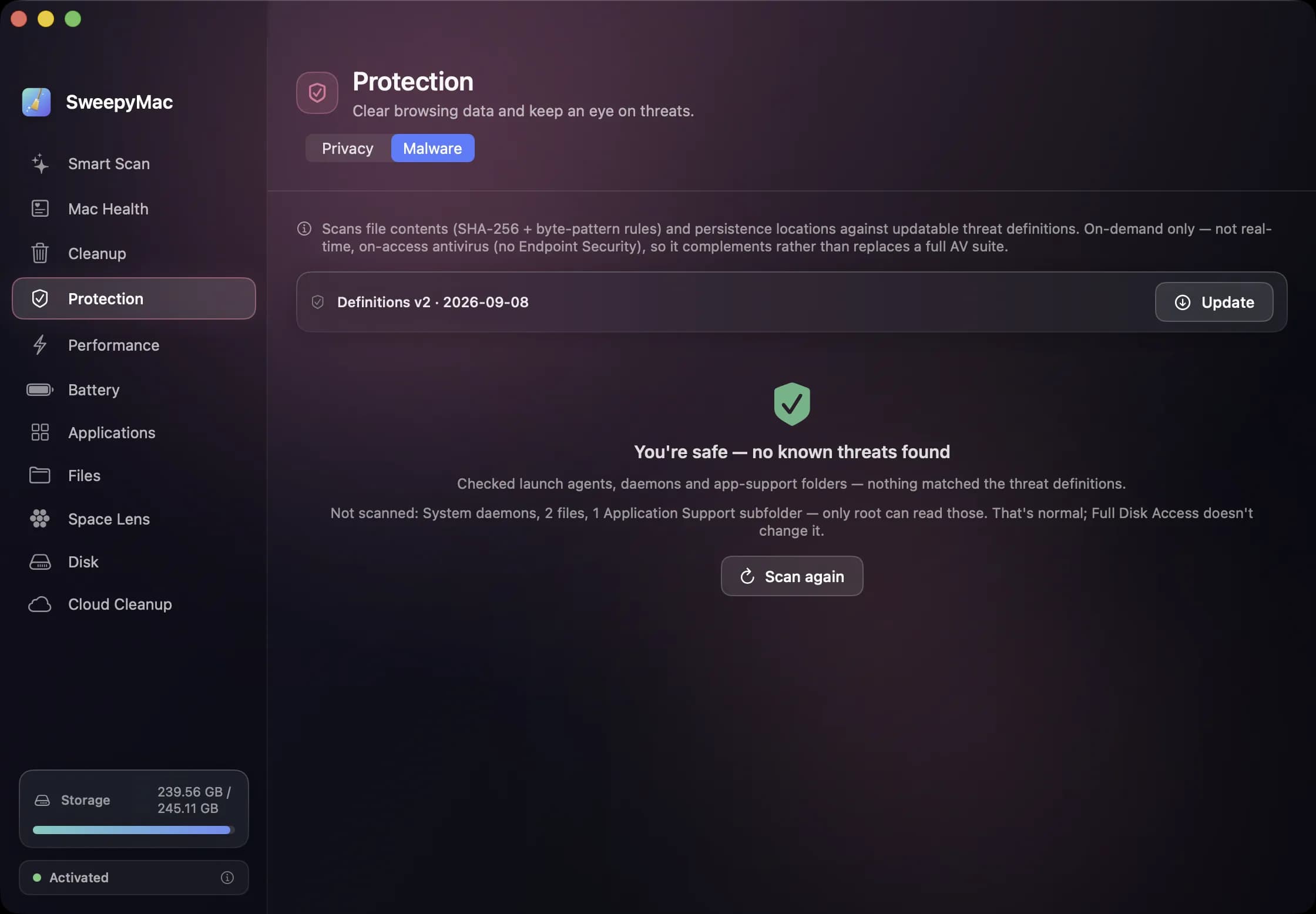
The orange triangle: what SweepyMac does when it cannot see something
Every scanner meets folders it cannot read. The dishonest ones leave them out and show you a clean total. SweepyMac marks incomplete lists, lists the locations it could not scan, skips health checks it cannot measure, and labels space a deletion would not actually free.
- SweepyMac
- Behind the apps
- macOS
4 November 2026 · 4 min read
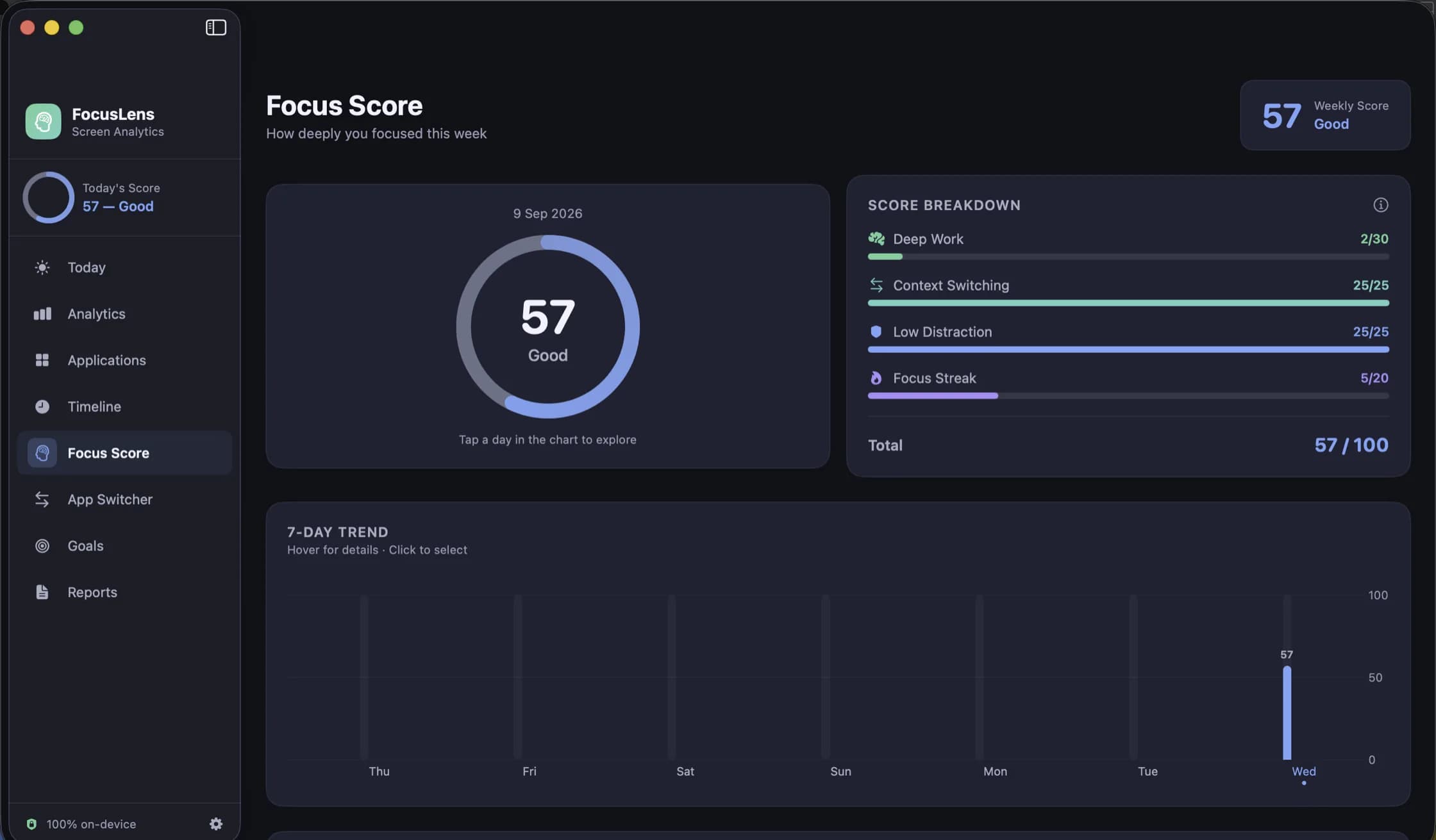
The FocusLens focus score, taken apart: four parts, four ceilings
One number out of 100 is easy to read and easy to misread. FocusLens builds its focus score from deep work, context switching, low distraction and your longest streak, and shows each part on its own bar so a bad day tells you what went wrong.
- FocusLens
- Productivity
4 November 2026 · 4 min read
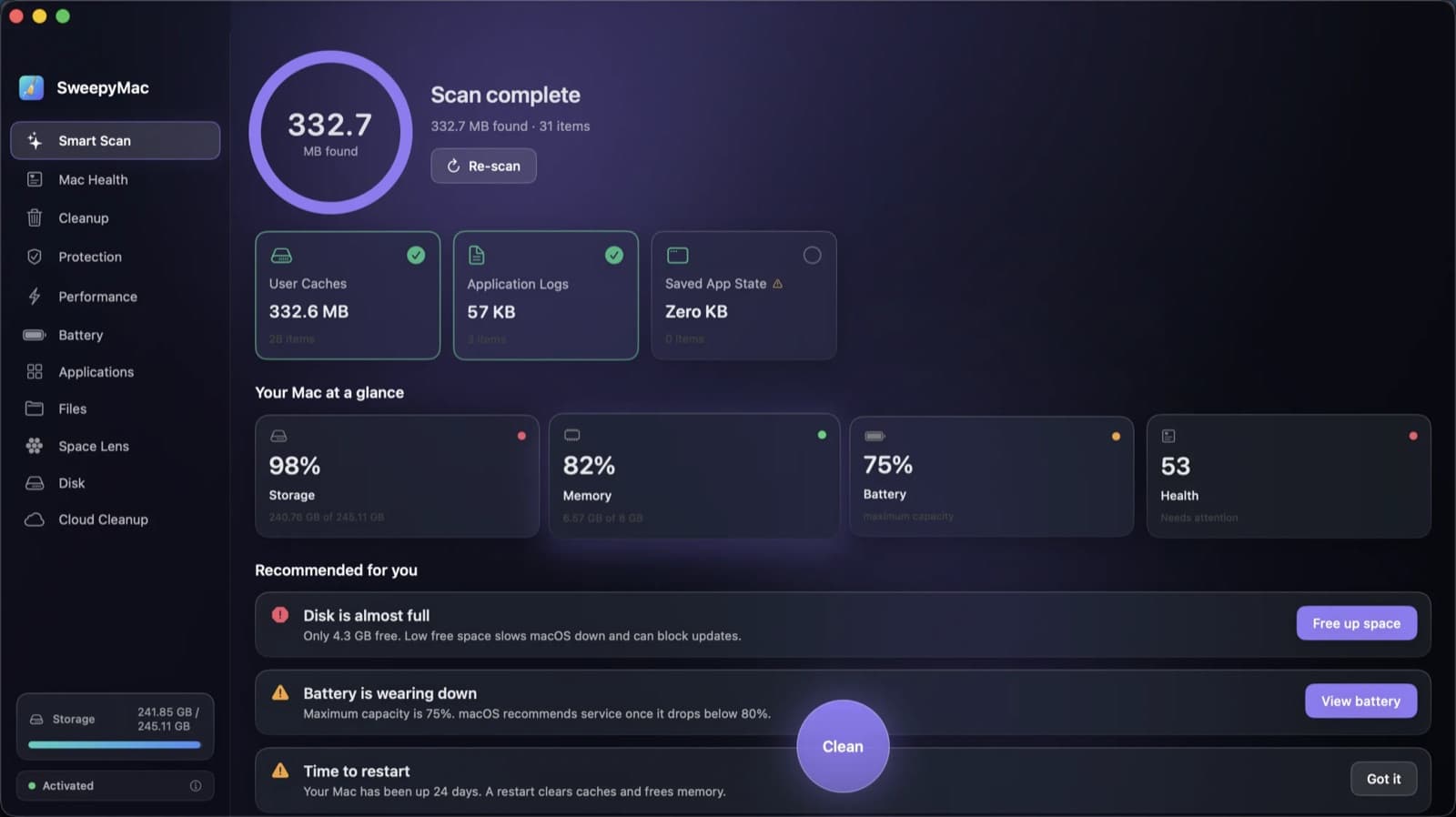
Annual, monthly or once: choosing a SweepyMac plan, and moving a licence between Macs
Three ways to pay, for one, two or five Macs, after a three-day trial with no account. What each plan costs, where the break-even points are, how a key activates and moves to a new Mac, and what the licence check sends.
- SweepyMac
- Behind the apps
4 November 2026 · 4 min read
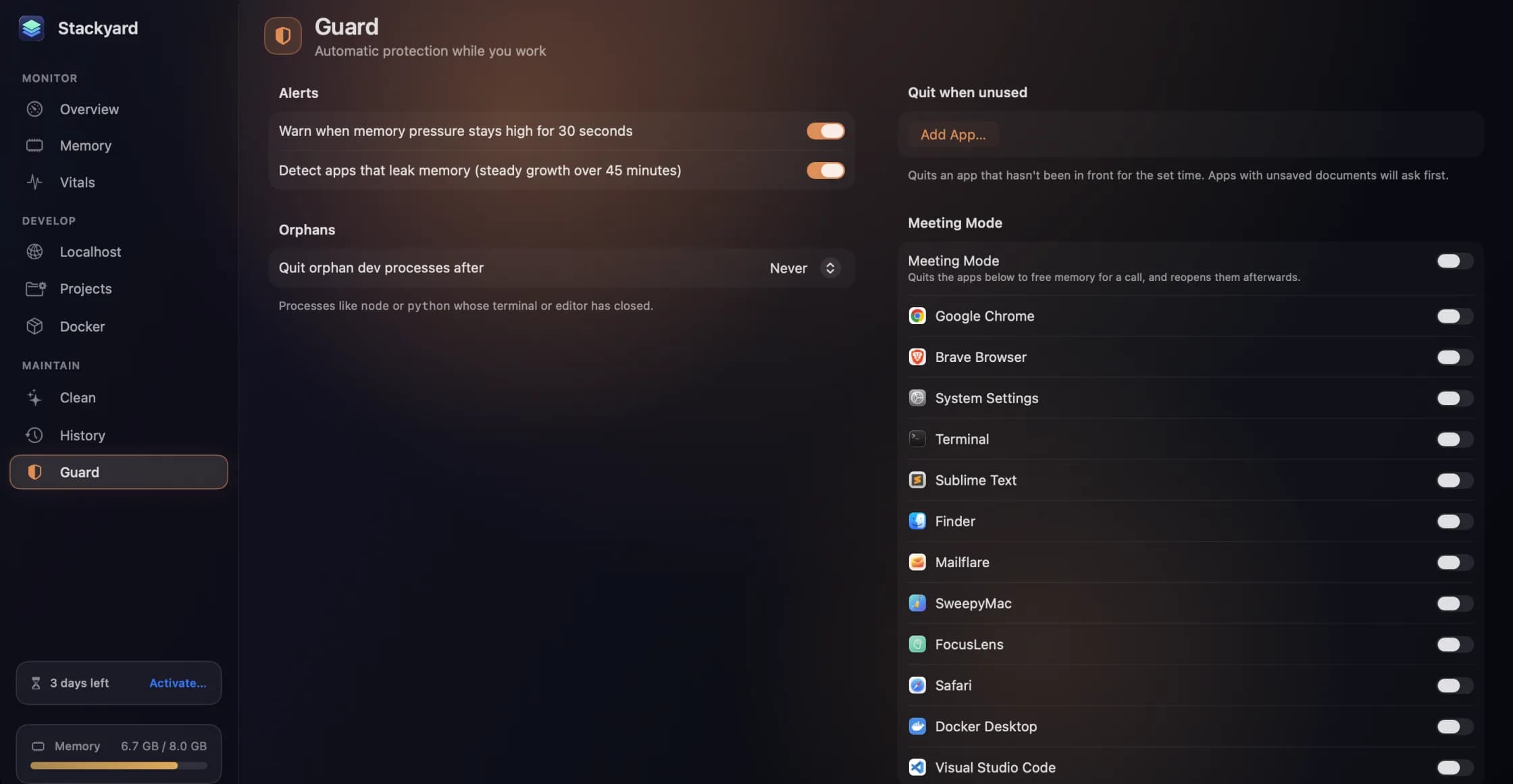
Guard, History and Meeting Mode: the parts of Stackyard that work while you don't
A notification when memory pressure stays high, leak detection that ignores a single spike, orphans quit on a timer, apps quit when unused, and a Meeting Mode that frees memory for a call and puts everything back after. Plus a 24-hour memory history, widgets and stackyard:// links.
- Stackyard
- Developer tools
- macOS
4 November 2026 · 5 min read
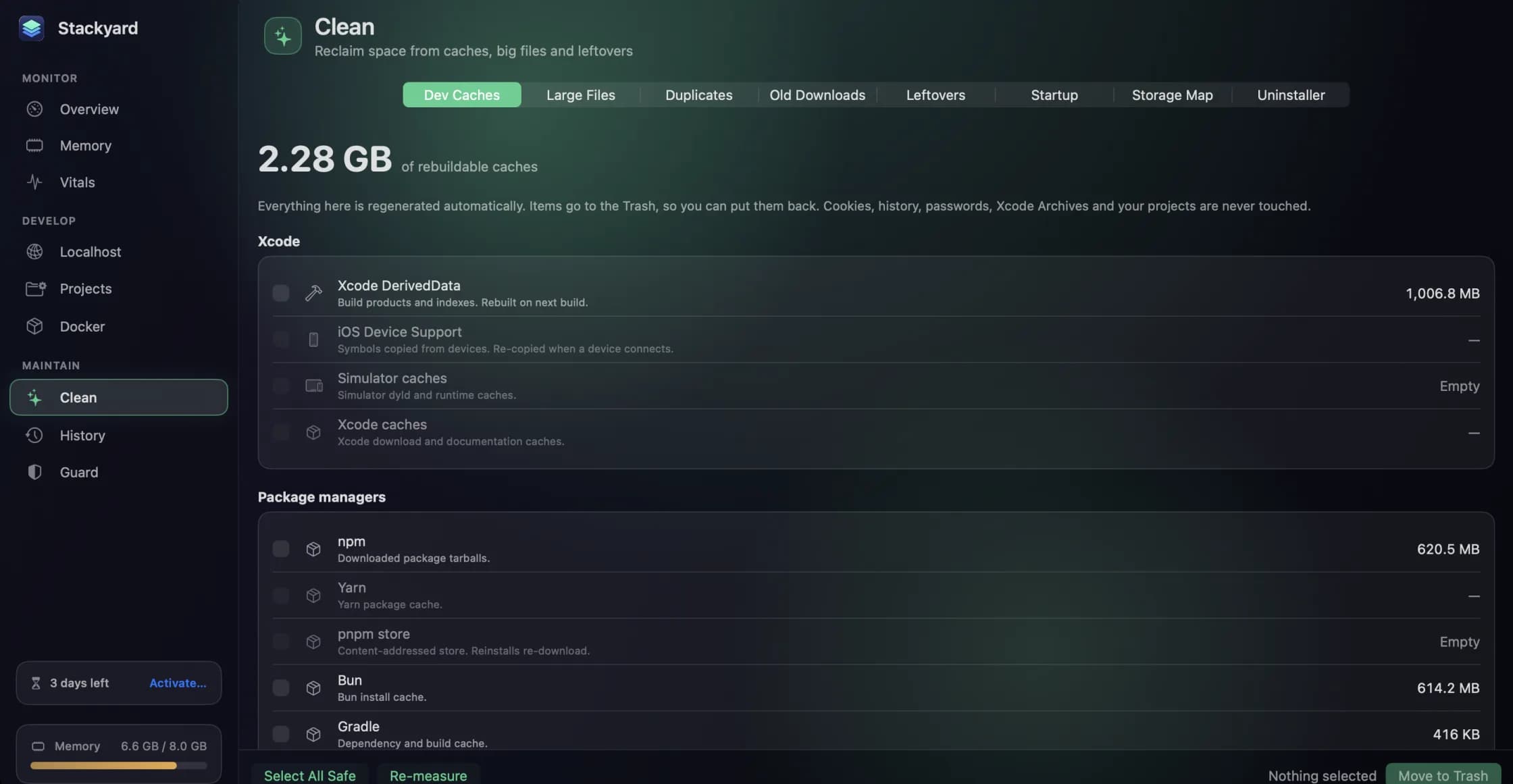
Reclaiming disk from the caches and build folders your tools rebuild on their own
Xcode DerivedData, package manager caches, node_modules in a project you have not opened in a month. How Stackyard measures what a developer's Mac can safely give back, why everything goes to the Trash, and what it never touches.
- Stackyard
- Developer tools
- Mac maintenance
4 November 2026 · 5 min read
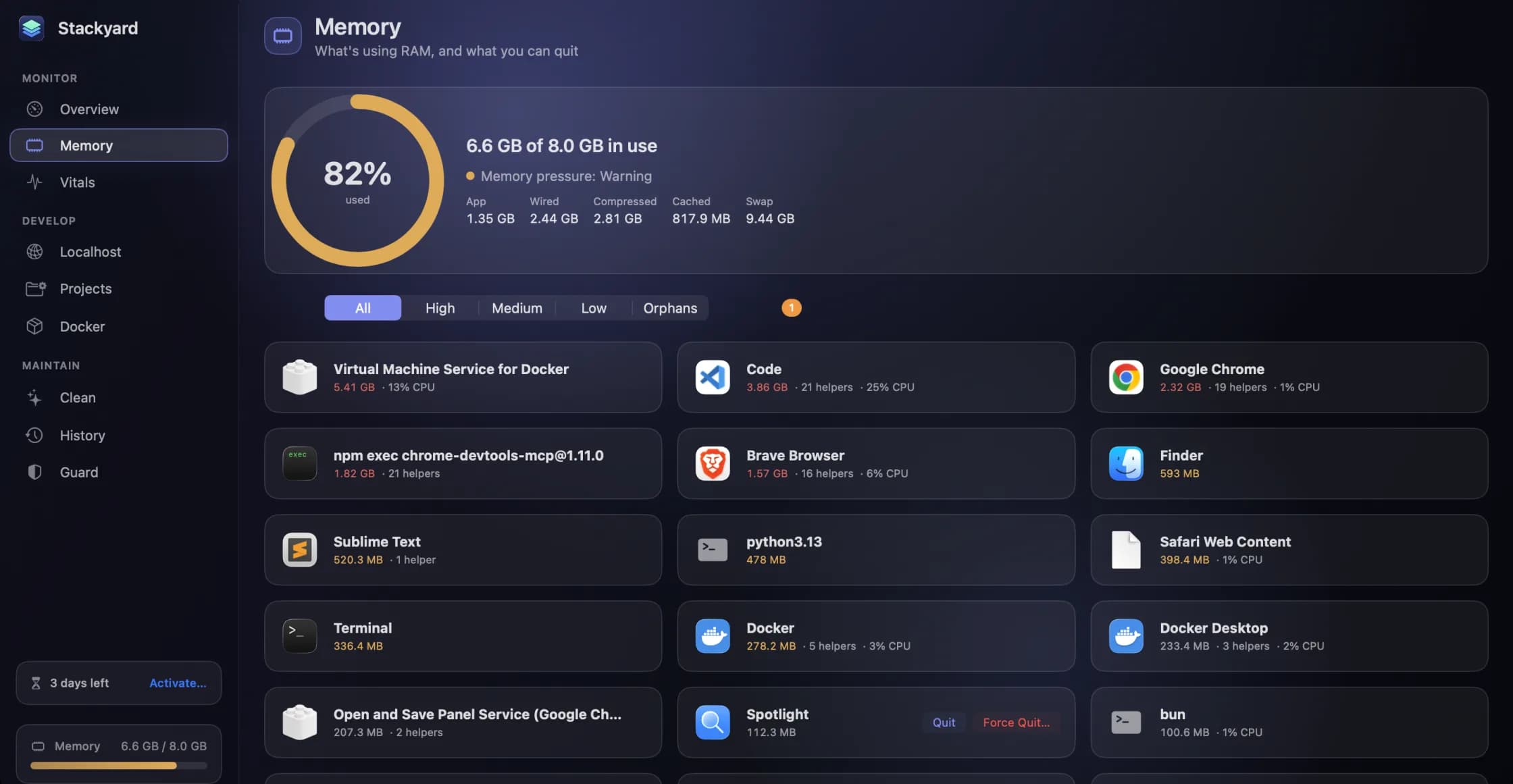
The node process your terminal left behind: memory and orphans in Stackyard
Close a terminal tab and the dev server inside it can keep running for days. How Stackyard groups memory the way you think about apps, finds the node and python processes nobody is watching, and tells you which tool left each one.
- Stackyard
- Developer tools
- macOS
4 November 2026 · 4 min read
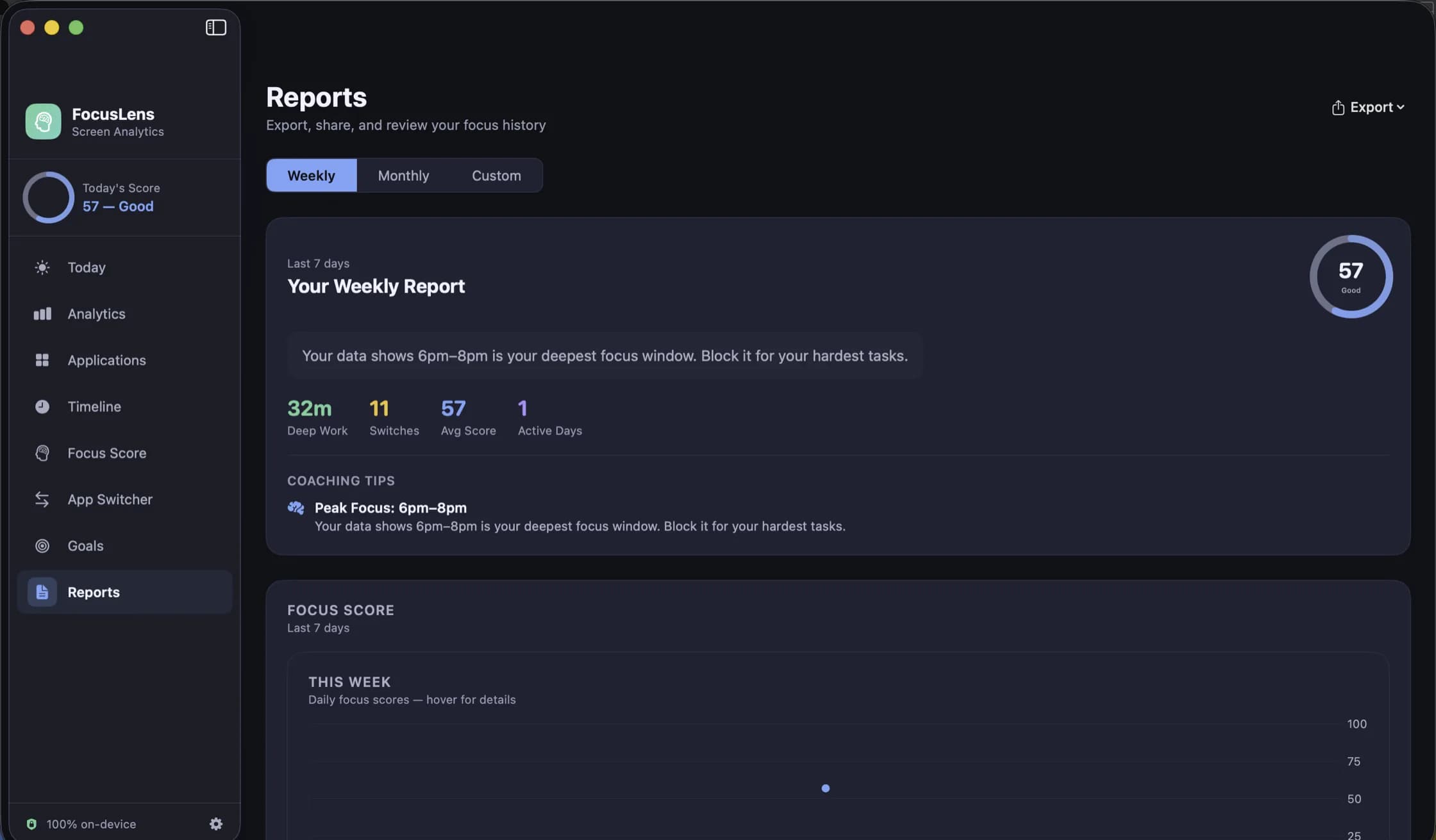
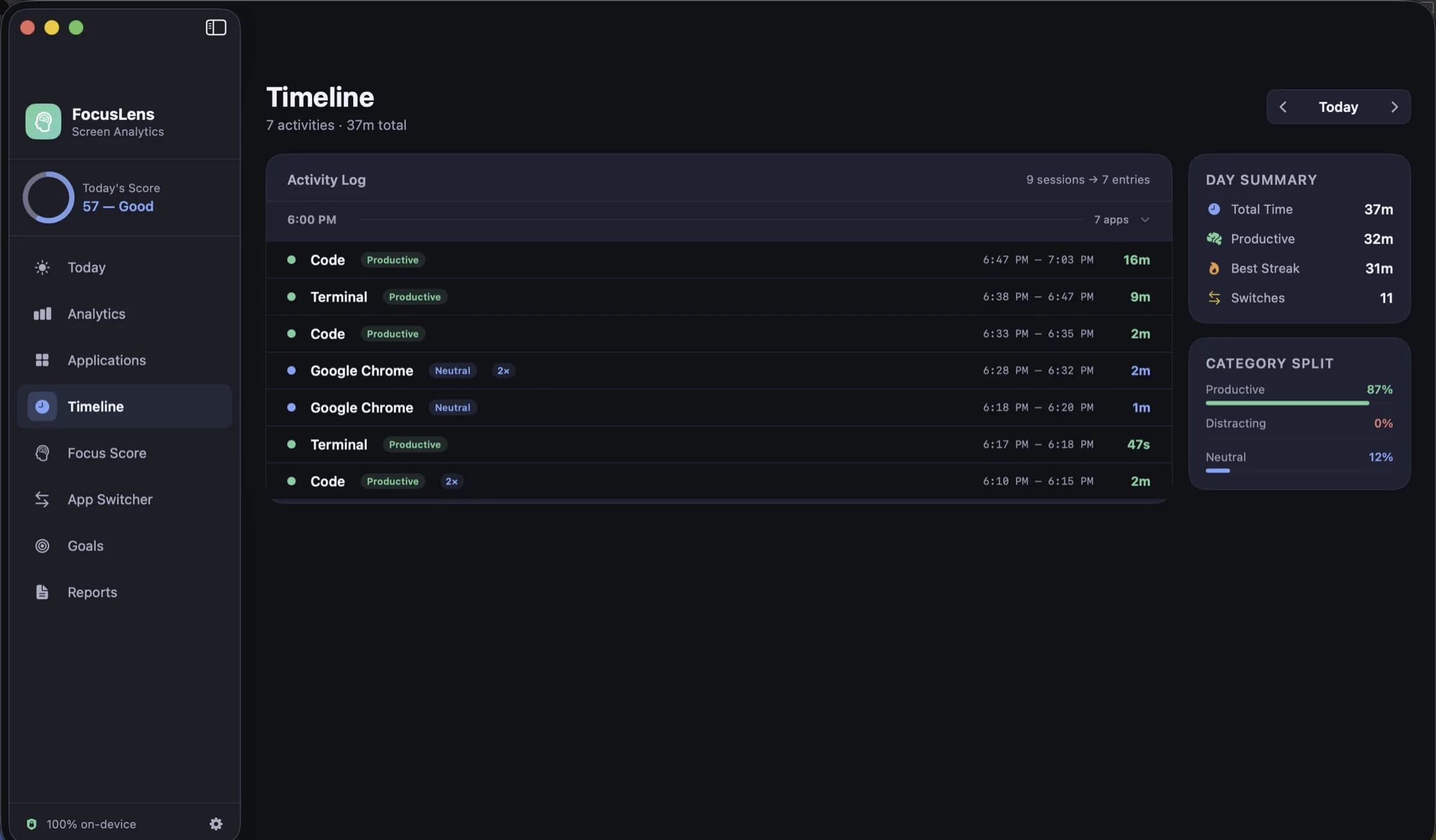
Looking back: the timeline, the heatmap and reports you can take out of FocusLens
A per-session log for any day, one app at a time with its busiest day and typical session, a week drawn hour by hour, and weekly or monthly reports you can export as PDF or CSV. The four ways FocusLens lets you look back, and what each one is for.
- FocusLens
- Productivity
4 November 2026 · 4 min read
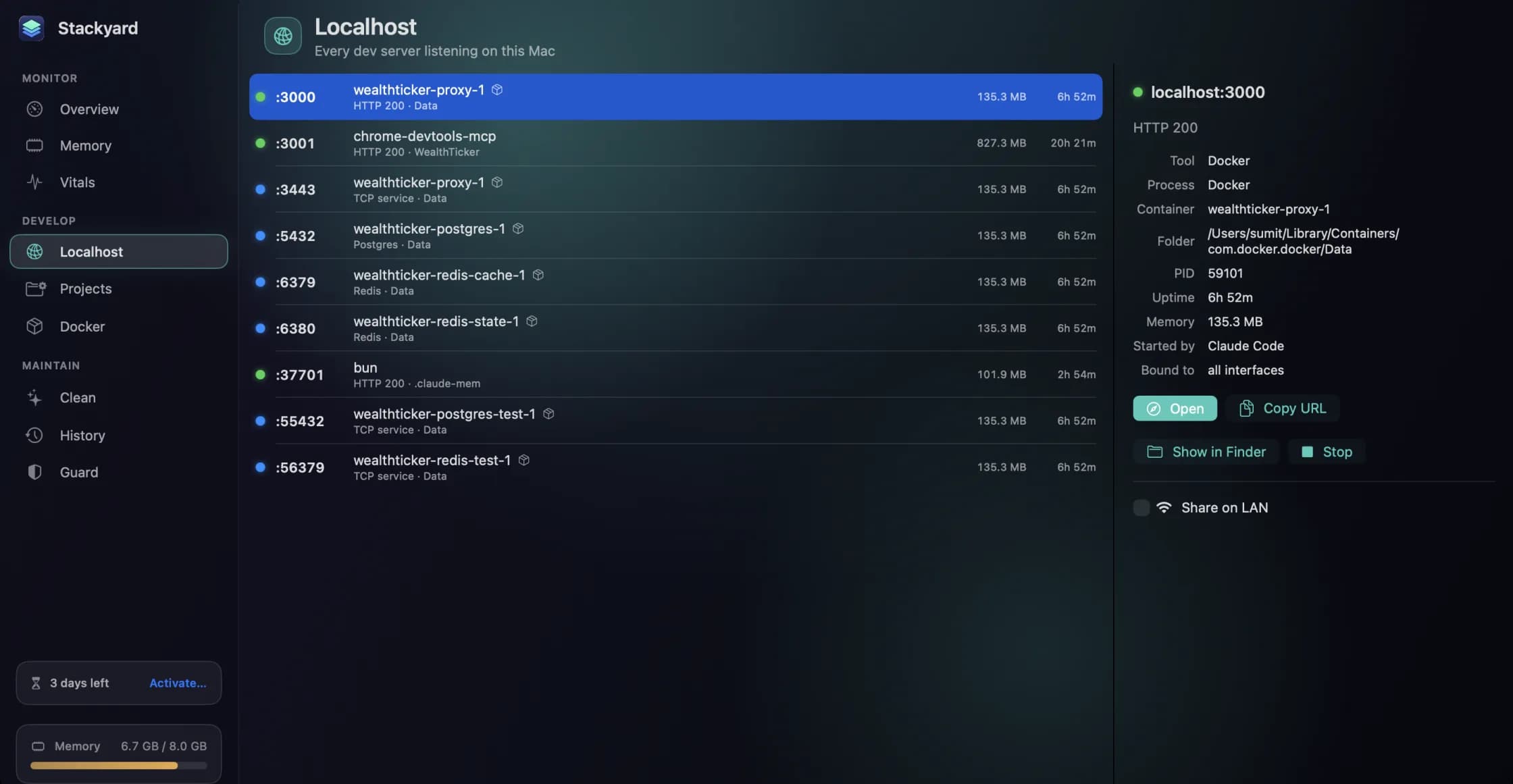
Every local server on your Mac, with a health dot, and how to open one on your phone
Stackyard lists every listening port with a green, red or blue dot, names the Docker container behind it, and can share a localhost-only server to your phone over Wi-Fi with a QR code. Plus Compose projects and Homebrew services in the same window.
- Stackyard
- Developer tools
4 November 2026 · 4 min read
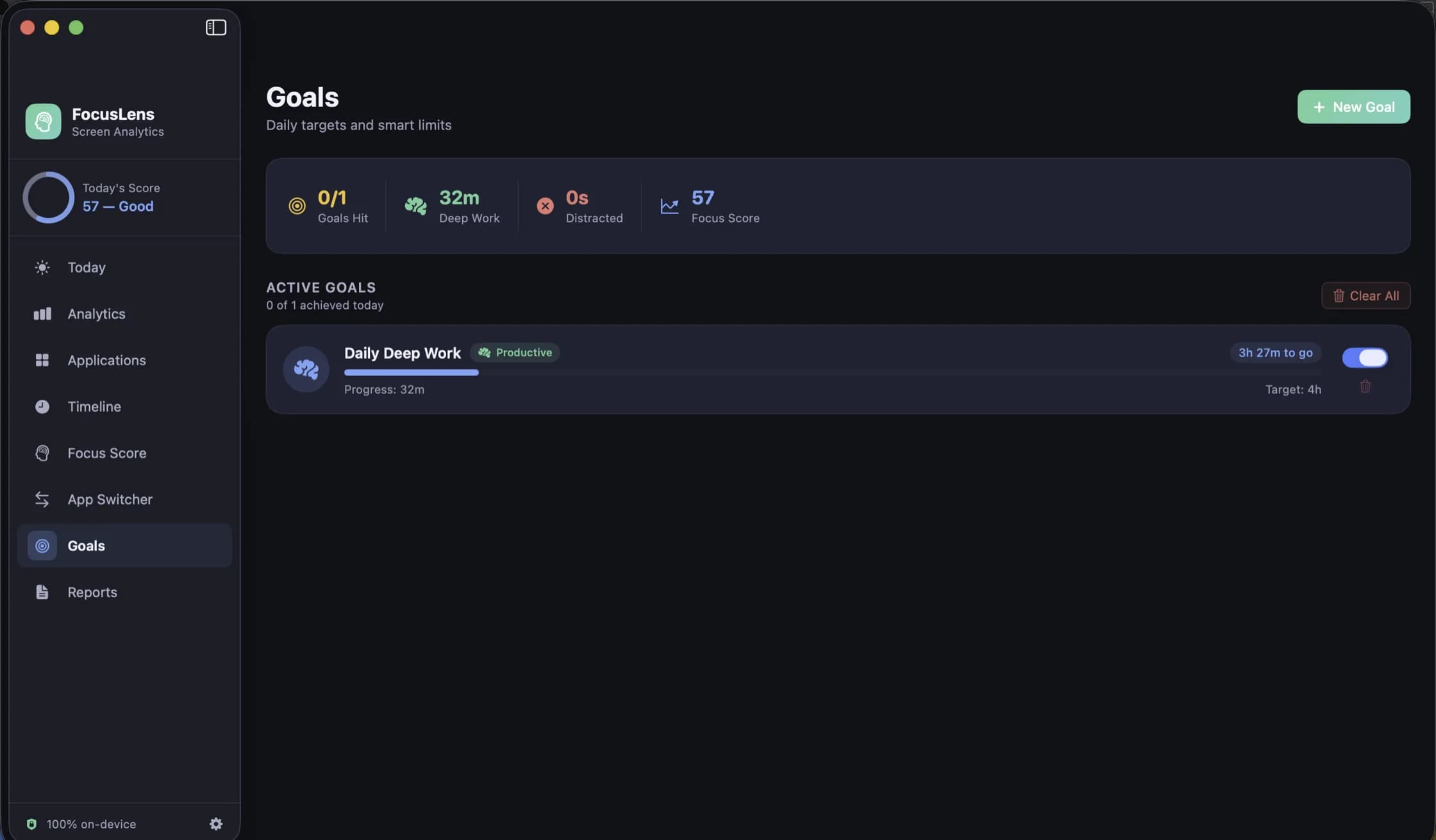
Goals that read from real usage: targets and limits in FocusLens
A goal you type once and then track by memory is a wish. FocusLens fills every goal's progress bar from the hours you actually logged: a daily target for the work you want more of, a limit for the time you want less of.
- FocusLens
- Productivity
4 November 2026 · 4 min read
Categories you can argue with: how FocusLens files your apps, and how to overrule it
Productive, communication, distracting, entertainment, utilities, neutral. FocusLens sorts every app into one of six categories by default, and the default will be wrong about somebody's job. Here is what each category does to your numbers, and how one override rewrites your whole history.
- FocusLens
- Productivity
4 November 2026 · 4 min read
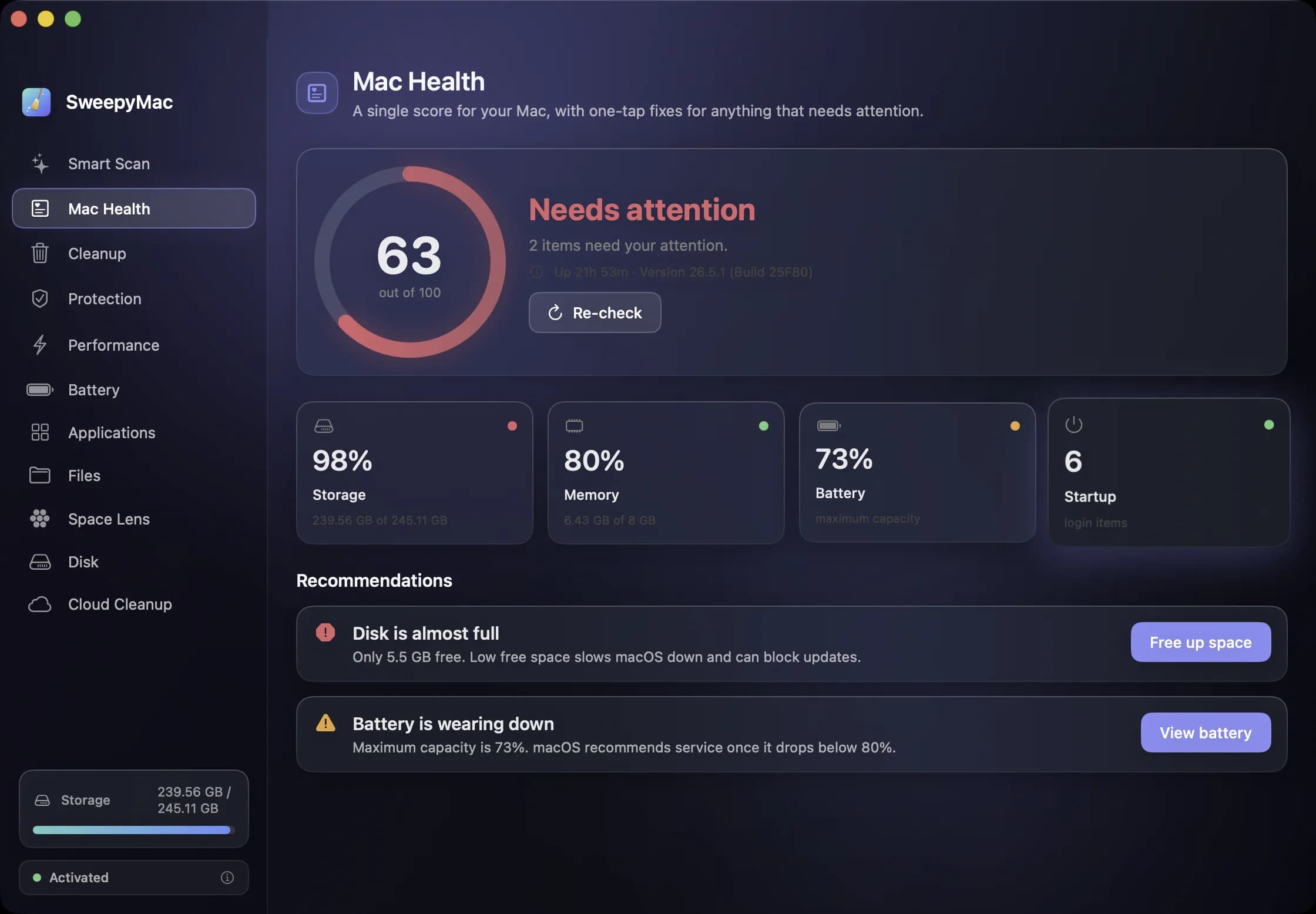
A monthly Mac routine in fifteen minutes, from the keyboard
Eleven modules is a lot to remember. This is the order we use them in once a month, with the shortcut for each: scan, check health, look for threats, find the big files, hand space back to iCloud, and only then empty the Trash.
- SweepyMac
- Mac maintenance