 AppVerz
Blog / 4 November 2026
Annual, monthly or once: choosing a SweepyMac plan, and moving a licence between Macs
Three ways to pay, for one, two or five Macs, after a three-day trial with no account. What each plan costs, where the break-even points are, how a key activates and moves to a new Mac, and what the licence check sends.
Pricing pages tend to hide the one thing you want to know, which is which option is actually the better deal for you. This post lays out SweepyMac's plans plainly, does the arithmetic, and then covers the practical side: how a key activates, how it moves between Macs, and what the licence check does and does not send.
Start with the trial
Before any of this, SweepyMac has a three-day free trial covering the full app, every module. There is no account and no card. The licence badge at the bottom of the sidebar shows the trial's state, and when it ends a licence key activates the app. Three days is enough to run a scan, look at your Mac Health score, find your largest files and decide whether it earns its place.
The plans
There are three ways to pay, each for 1, 2 or 5 Macs. At the time of writing the prices are:
| Plan | 1 Mac | 2 Macs | 5 Macs |
|---|---|---|---|
| Annual | $14.99 a year | $29 a year | $59 a year |
| Monthly | $1.99 a month | $3.79 a month | $7.99 a month |
| Buy once | $59.96 | $116 | $236 |
The buy page always has the current prices, and shows each one beside its list price.
Which one to pick
The arithmetic is simpler than it looks.
Monthly costs the most over a year: $1.99 for twelve months is $23.88 for one Mac, against $14.99 on the annual plan. It makes sense if you want SweepyMac for a specific job, clearing out a Mac before selling it or rescuing one that has filled up, and do not expect to need it next year.
Annual is the cheapest way to have it for a year or two, and the right default for most people.
Buy once costs exactly four years of the annual plan at every seat count: $59.96 is four times $14.99, $116 is four times $29, and $236 is four times $59. If you expect to keep the same Macs and keep using SweepyMac for more than four years, it is the cheaper option. If not, annual is.
Seat count follows the Macs you own, not the people. A household with a laptop and a desktop wants the 2-Mac plan; five Macs costs about four times one, not five.
Buying and activating
Checkout is handled by Lemon Squeezy, who take care of payment, tax and receipts. Card details go to them and never reach us. When the purchase completes, your licence key appears on screen and arrives by email.
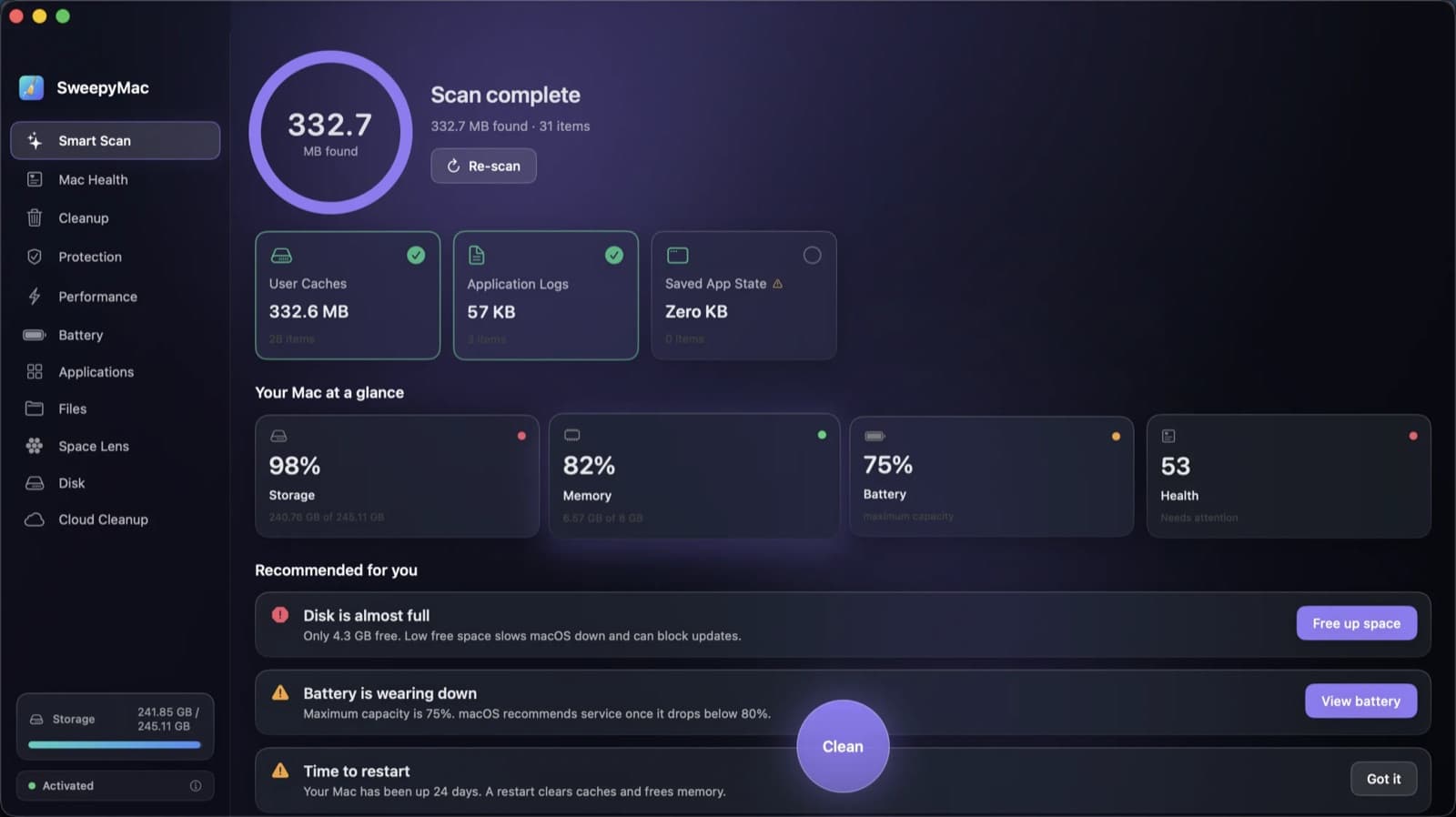
To activate, open the licence badge at the bottom of SweepyMac's sidebar and enter the key. The badge then reads Activated, as it does in the screenshot above.
Moving to a new Mac
A licence covers as many Macs as the plan you bought. To move it, open the licence badge on the old Mac and choose Deactivate this Mac, which frees its slot. Then activate on the new Mac with the same key.
If the old Mac is already gone, sold, broken or wiped before you remembered, write to us. We can free a retired Mac's slot by hand.
What the licence check sends
SweepyMac has no telemetry and no account, so it is worth being precise about the network traffic the licence adds.
The app contacts the licensing service when you enter a key, to validate it, and re-checks from time to time after that. The check carries what is needed to validate the key and count this Mac against the licence, and nothing about your files, your scans or what you clean. Between checks, the app keeps working for seven days offline after its last successful one, so a flight or a week without Wi-Fi does not lock you out.
The licence state, the key and when it was last checked, is stored on your Mac, in the Keychain and in ~/Library/Application Support/SweepyMac. The only other network request the app makes is for its signed malware definitions file. The post on why our apps make no network requests goes into both in detail.
If you stop using it
Deactivate the Mac from the licence badge first, so the slot is free for a later Mac. Then quit SweepyMac and drag it to the Trash. Its settings and licence live in ~/Library/Application Support/SweepyMac; delete that folder and nothing is left. If you installed the background helper that runs the maintenance tasks in Performance, remove it first from the same screen.
Anything SweepyMac moved to your Trash while you used it stays there, restorable, until you empty it yourself.
Questions
One person makes SweepyMac and reads every message about it. Licence questions, bugs and suggestions all go to the address on the support page, and replies usually go out within two or three days. The plans themselves are on the buy page.
Questions people ask
- How many Macs does a SweepyMac licence cover?
- As many as the plan you bought: 1, 2 or 5. To move a licence to a new Mac, use Deactivate this Mac from the licence badge, then activate on the new one with the same key.
- Does SweepyMac need to be online to work?
- No. It checks the licence when you enter a key and from time to time after that, and keeps working for seven days offline after its last check.
- Do I need an account?
- No. Checkout is handled by Lemon Squeezy, your licence key appears on screen and in your email, and you paste it into the app. There is no SweepyMac account at any point.
Related reading
- The orange triangle: what SweepyMac does when it cannot see somethingEvery scanner meets folders it cannot read. The dishonest ones leave them out and show you a clean total. SweepyMac marks incomplete lists, lists the locations it could not scan, skips health checks it cannot measure, and labels space a deletion would not actually free.
- What a Mac cleaner should never doMost cleaning apps ask you to trust them. SweepyMac is built so you do not have to: everything it removes goes to the Trash, every clean has an Undo, and every group opens up before you press anything.
- What SweepyMac's malware scanner actually checks, and what it is notLaunch agents by name, file contents by hash and byte pattern, code signatures, cron jobs and browser extensions. What each signal means, why a finding is labelled by how it was found, and why an on-demand scanner is a complement to macOS, not a replacement for it.
Have a question about any of this?
Write in. The person who built the apps reads every message and replies within two working days.