 AppVerz
Blog / 15 November 2026
Homebrew services you forgot you started: finding them, stopping them, and keeping them stopped
brew services start does two things: it starts the service now and starts it again every time you log in. That is how Postgres, MySQL and Redis end up running for months on a Mac you only use for one project a week. How to list them, stop them properly, and run them only when you need them.
You needed Postgres for a side project two years ago. You ran brew services start postgresql@14, it worked, and you moved on. It has started every time you have logged in since. So has the Redis from a tutorial, and the MySQL from a client job you finished last spring.
None of this shows up anywhere obvious. There is no Dock icon and no window, and in Activity Monitor it is one more process with a short name. It shows up as memory you cannot account for, and as port 5432 is already in use when a Docker container tries to start the database it wants.
Why they keep running
Homebrew services are a thin layer over launchd, the part of macOS that starts things at login and restarts them when they stop.
brew services start <name>starts the service and writes a launch agent to~/Library/LaunchAgents/homebrew.mxcl.<name>.plist. From then on, launchd starts it every time you log in.sudo brew services start <name>writes a launch daemon to/Library/LaunchDaemonsinstead. That one starts at boot, before anyone logs in.- Most of these files tell launchd to keep the service alive. If you kill the process from Activity Monitor or with
kill, launchd starts it again a moment later.
That last point is why "I killed it and it came back" is such a common complaint.
Find what is running
brew services list
You get one line per service with its status:
| Status | Meaning |
|---|---|
started |
Running, and registered to start at login (or boot, with sudo) |
stopped |
Registered, but not running right now |
none |
Installed, not registered, not running |
error |
Registered but failed to start. The exit code is shown |
Check root services too, because they are listed separately:
sudo brew services list
And to see which ports they are holding:
lsof -iTCP -sTCP:LISTEN -n -P
Postgres usually sits on 5432, MySQL on 3306 and Redis on 6379. Port already in use covers what to do when one of them blocks something else.
Stop them properly
brew services stop postgresql@14
This stops the service and removes its launch agent, so it stays stopped after a restart. Use sudo for anything that was started with sudo. If you have several, brew services stop --all stops every one of them.
Two other commands are useful:
brew services cleanupremoves launch agents left behind for services you have already uninstalled.brew uninstall <name>removes a service you will never use again. Your data directory is usually left in place under$(brew --prefix)/var, so delete that separately if you want the space back, and only after checking you do not need the data.
Run them only when you need them
For a database you need for one project, use run instead of start:
brew services run postgresql@16
It starts the service now without registering it. Log out or restart and it is gone. When you are finished for the day, brew services stop postgresql@16 stops it at once. This one habit stops services piling up.
What they cost
Idle, a single Postgres or Redis uses little memory and almost no CPU. The cost adds up because there are several of them, because they run every day, and because some use much more than others:
- MySQL reserves a buffer pool at startup and often sits at a few hundred megabytes doing nothing.
- Elasticsearch and OpenSearch run on Java and reserve a heap, often a gigabyte or more.
- Ollama is small until a model is loaded. Then it holds that model in memory, often several gigabytes, until it has been idle for a while.
On a 16 GB Mac that might not matter. On an 8 GB one it is the difference between a smooth day and a swapping one. Web development on an 8 GB Mac covers that case.
Doing it with Stackyard
brew services does the job, but only if you remember to run it. Stackyard puts the same information where you will see it.
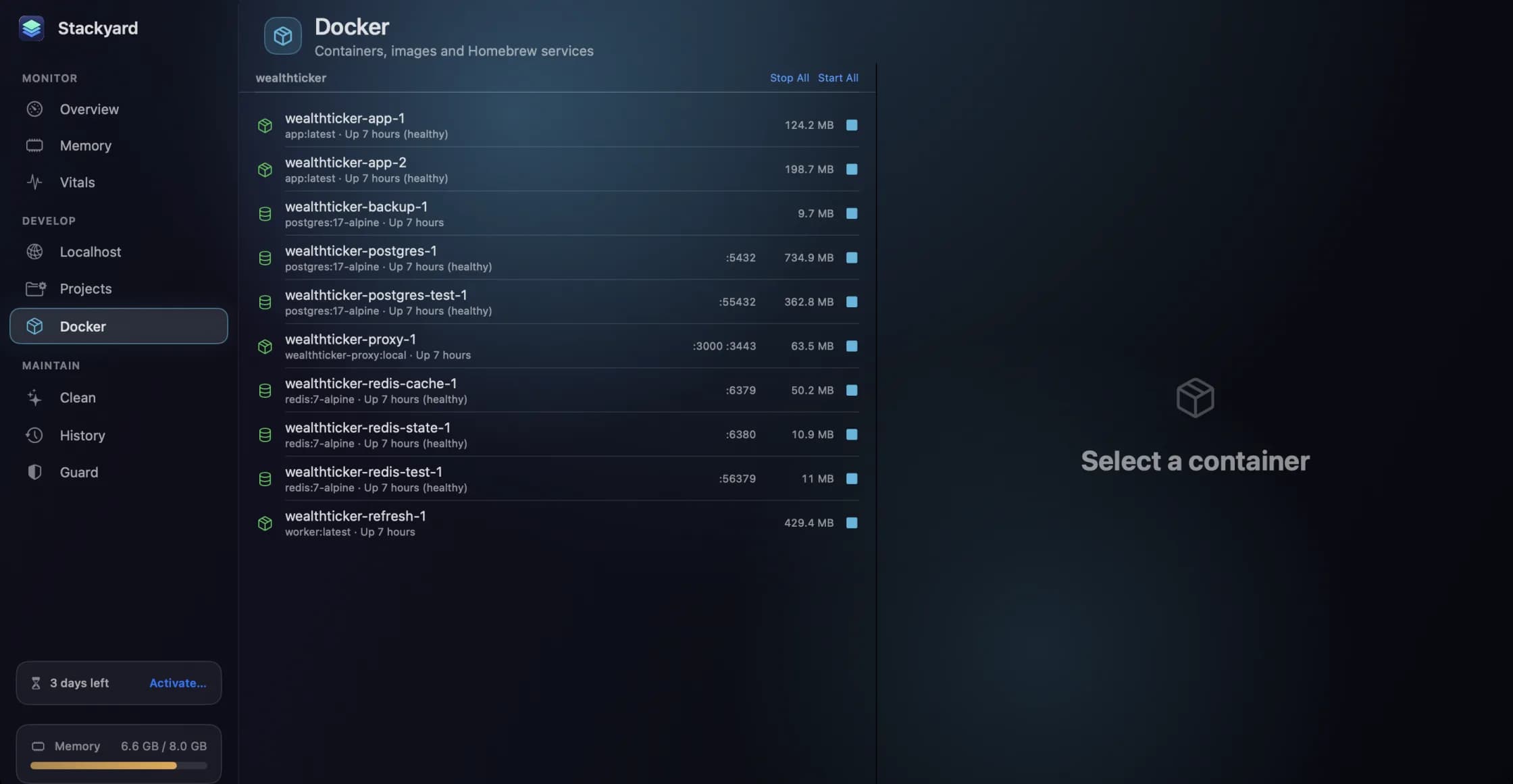
- Homebrew services get an on/off switch in the Docker section (⌘6), next to your containers. MySQL, Postgres, Redis and the rest, each with its status, switched through Homebrew's own command-line tool. You do not need to remember the exact name, such as
postgresql@14. - Localhost lists every port in use, with a blue dot for servers that are not web servers, such as Postgres and Redis. You can see what is holding 5432 without running
lsof. - Memory shows what each service is using, beside your other apps.
- Startup, under Clean, lists launch agents and daemons with whether each is running and whether it starts at login or restarts when quit. The
homebrew.mxclfiles show up there, so a service you forgot about is easy to spot. - Guard can quit orphan dev processes automatically, but it deliberately leaves databases and background services such as Postgres, Redis, Ollama and nginx alone. Stopping those stays your decision. Orphan dev processes explains the difference.
Stackyard does not uninstall services or delete their data. That stays with brew.
Stackyard is free for three days, then from $21 once for one Mac, with no subscription. Download it from its page.
Questions people ask
- How do I see which Homebrew services are running?
- Run brew services list. It shows every service Homebrew knows about with its status (started, stopped, none or error), the user it runs as, and the launchd file that starts it.
- What is the difference between brew services start and brew services run?
- start runs the service now and registers it with launchd, so it starts again every time you log in. run starts it now only, and it will not come back after a restart or logout. Use run for a database you need for one project today.
- Why does my Homebrew service start again after I kill it?
- Because launchd is told to keep it alive. Killing the process with kill or Activity Monitor only makes launchd start it again. Use brew services stop, which unregisters it and stops it.
Related reading
- kernel_task and WindowServer using a lot of CPU: what they are and when to worryTwo processes at the top of Activity Monitor worry more Mac owners than any others. kernel_task is usually your Mac keeping itself cool, and WindowServer is the part that draws the screen. What each one is doing, why you should not try to stop either, and how to find the real cause.
- Docker Desktop on a Mac: where your memory and disk went, and how to get them backDocker on a Mac runs inside a Linux virtual machine, and that machine takes a fixed share of your memory and a disk image that grows. How to measure both, the prune commands and what each one deletes, the two settings worth changing, and when not to run Docker at all.
- Xcode is taking up 60 GB. Here is what each part is, and what you can deleteDerivedData, simulators, simulator runtimes, device support, archives and old copies of Xcode itself. Where each one lives, how big it tends to get, the commands to measure and clear it, and the one folder you should think twice about.
Have a question about any of this?
Write in. The person who built the apps reads every message and replies within two working days.