 AppVerz
Blog / 9 November 2026
Studying on a Mac: using FocusLens through exam season
Your study time is spread across PDFs, notes and a browser that also contains everything else. How to set FocusLens up so its numbers mean something to a student, including the two-browser trick, and what it will never be able to see.
Three hours in the library, one chapter read. Every student knows that feeling, and most never find out where the rest went, because the evidence is spread between a PDF, a notes app and a browser that has your lecture slides in one tab and everything else ever made in the others.
FocusLens is built for that question. Out of the box, though, it assumes you have a job. Twenty minutes of setup makes it fit a student's Mac.
Fix the two categories that matter
FocusLens files each app under one of six categories. Word, Pages, Notes, Obsidian and Acrobat count as productive by default. Two things students use all the time do not.
Preview is filed as a utility. Good for a quick look at an image, wrong if it is how you read every paper on your reading list. If you study from PDFs in Preview, change it to Productive.
Your browser is neutral. FocusLens does not read URLs or page titles, so it has no idea whether you are on the course site or on a video of someone restoring a boat. It records the browser as one app, in one category.
Both fixes are in Settings › App Categories › Manage. Overrides apply to every past day as well, so there is no penalty for doing this a week in.
The two-browser trick
The browser is the biggest hole in any student's data, and there is a simple way to close it. Since FocusLens only sees which app is in front, use two browsers.
Keep one for study: course portal, library databases, Google Docs, nothing else. Sign out of your social accounts in it. File it as Productive.
Keep your usual browser for the rest and file it as Distracting for exam season, or Neutral if that feels harsh.
Now every jump to your everyday browser shows up as a switch, and the hours you spend in the study browser count as study. As a bonus, reaching for the other icon gives you a moment to notice what you are doing.
Set a target and a limit
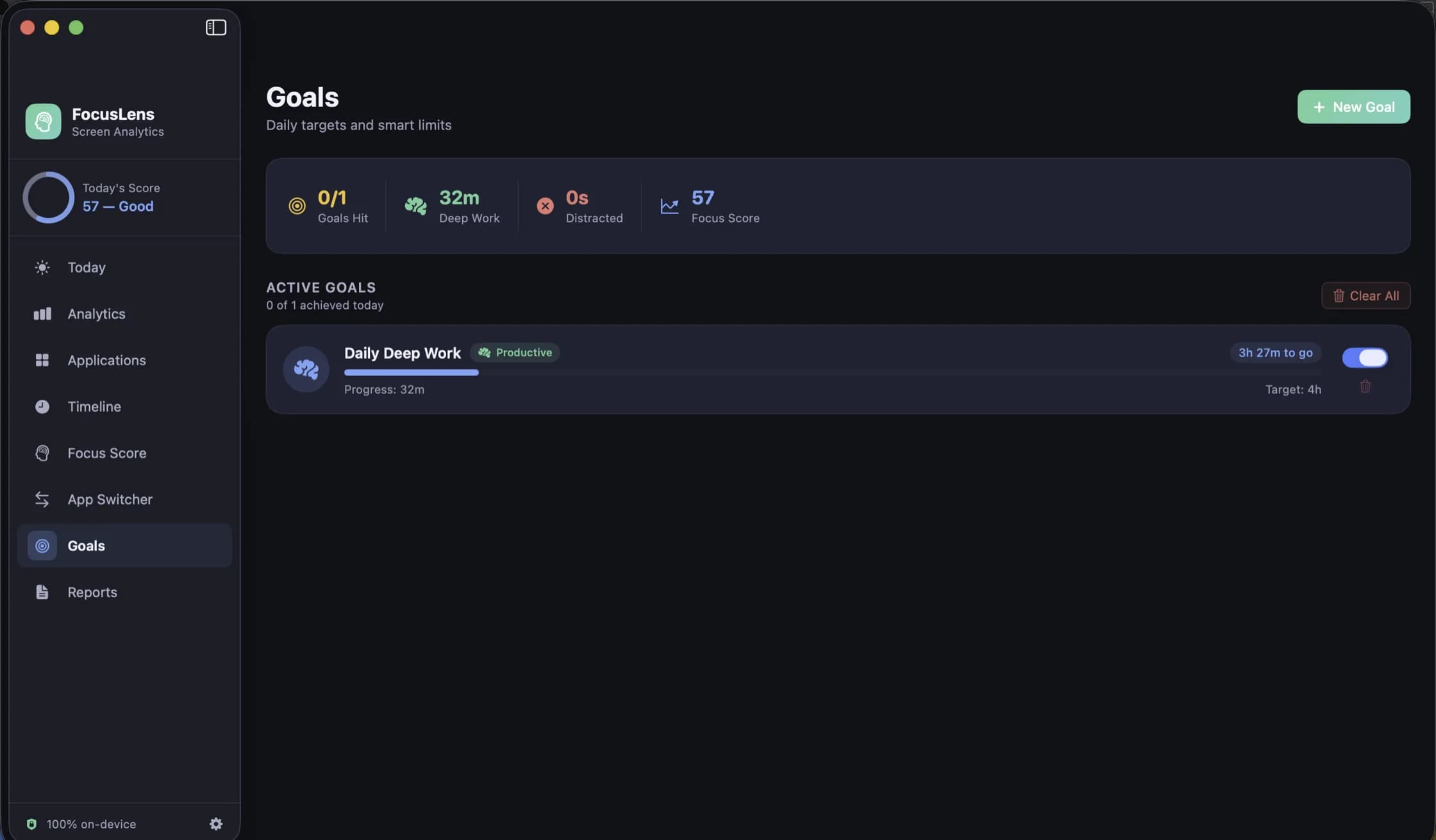
Goals are a daily amount of one category, between 15 minutes and 12 hours. Set two:
- A target on Productive. Pick something you can actually hit. Three hours of real study beats an eight-hour goal you abandon on Wednesday.
- A limit on Distracting. An hour, say. Limits fill from what you really logged, and with Goal alerts on you get a notification when you reach one.
Pause both on days with lectures or a shift at work, so a day that was never going to be a study day does not count against you. The goals post goes through the details.
Look at one number a day
There are many screens, and exam season is not the time to explore them all. Look at the Focus Streak: your longest unbroken productive run of the day. Reading comprehension and problem sets both depend on staying with something, and this is the number that shows whether you did. A gap of up to five minutes does not break a run. Opening a distraction does.
If you want more than that, the Analytics heatmap will show which hours work for you. Use it to decide when to tackle the subject you find hardest. Our post on finding your peak focus window explains how, and how not to be misled by your timetable.
What it cannot see
Be honest with yourself about the edges.
Paper does not exist to FocusLens. Handwritten notes, textbooks and past papers done at a desk leave no trace. A low number on a day of paper revision means nothing.
Long reading can look idle. After five minutes with no keyboard or mouse input, the open session ends at your last input and picks up when you come back. Scrolling a page now and then keeps a long read counted.
Lock your screen when you walk off. It times the app in front of you, and locking keeps the numbers honest.
It does not stop you. FocusLens never blocks anything. Some people want that, and if you do, pair it with a blocker. Others find that seeing the number is enough.
Before and after the exams
A useful exercise on the last day of term: open Reports, choose Custom, and take the whole revision period. You get your average score, your deep work, your switches and a first-half versus second-half comparison. Export it as a PDF, and next year you will know what actually got you through instead of what you remember.
Your data is yours in the strongest sense. There is no account, nothing about your usage is sent anywhere, and Clear Data in Settings wipes it after you have finished. FocusLens costs $19.99, once, with no subscription to remember to cancel over the summer, and the licence covers one Mac. It is free for three days first, so download it on a day you were planning to study anyway.
Questions people ask
- Does FocusLens block distracting apps?
- No. It measures and it can notify you when a goal is met or a limit is reached, but it never stops you opening anything. If you want something that physically blocks apps, use a blocker alongside it.
- Can a parent or teacher see my data?
- Not through FocusLens. There is no account, no shared view and no server. Your sessions stay on your Mac unless you export a report and send it yourself.
- Will it count time I spend reading paper notes?
- No. It only knows which app is in front on the Mac. Revising from paper does not appear anywhere, so judge it by your hours at the Mac and do not read a low number as a lazy day.
Related reading
- How to find your peak focus window, and test whether it is realFocusLens can name the hours you do your best work. That chart shows when you did focus, which is not always when you could. A two-week method for finding your window, separating it from your calendar, and proving it by moving your hardest task.
- Four workdays, four focus scores, and what each one is telling youA day of meetings can outscore a day of real but scattered work, and one misfiled app can cost 40 points. Four worked examples using the actual FocusLens formula, and the one thing to change after each.
- FocusLens is half price: $19.99 once, and what that buysFocusLens is $19.99 instead of $39.98, a one-time licence with no subscription. What the app does for that price, from permission-free tracking and a focus score you can take apart to replayable days and exportable reports, and how to try it first.
Have a question about any of this?
Write in. The person who built the apps reads every message and replies within two working days.